 Sheetio
All common spreadsheet files
XLSX and XLSM (Excel 2007 and later), XLS (Excel 97–2003), ODS (LibreOffice, OpenOffice) and CSV or TSV, with automatic delimiter and encoding detection. Password-protected files open too.
100% free · No in-app purchases
Sheetio: XLSX, XLS & CSV Viewer
Open Excel, OpenDocument and CSV spreadsheets in a second, read them comfortably on your phone or tablet, and get back to your day.
Free to use, with every feature included. No subscription, no sign-in, no "upgrade to view" screens.
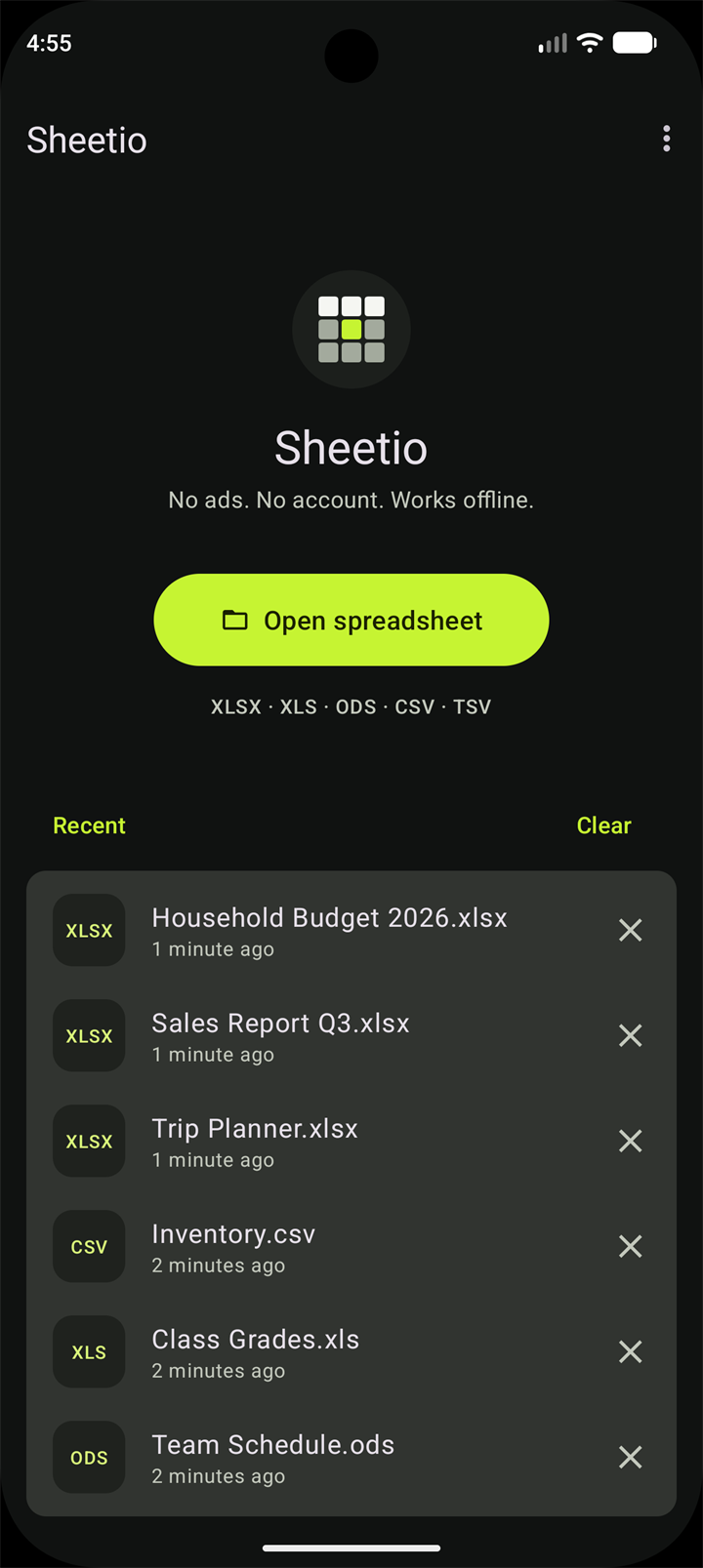
Made for reading spreadsheets on a phone
Got a spreadsheet as an email attachment, a WhatsApp or Telegram message, or a download? Tap it, choose Sheetio, and it opens.
XLSX and XLSM (Excel 2007 and later), XLS (Excel 97–2003), ODS (LibreOffice, OpenOffice) and CSV or TSV, with automatic delimiter and encoding detection. Password-protected files open too.
Smooth scrolling and zoom, even on large sheets. Double-tap to zoom in and out.
Find any text in the sheet and jump between matches.
Freeze the header row, or keep the freeze panes saved in the file.
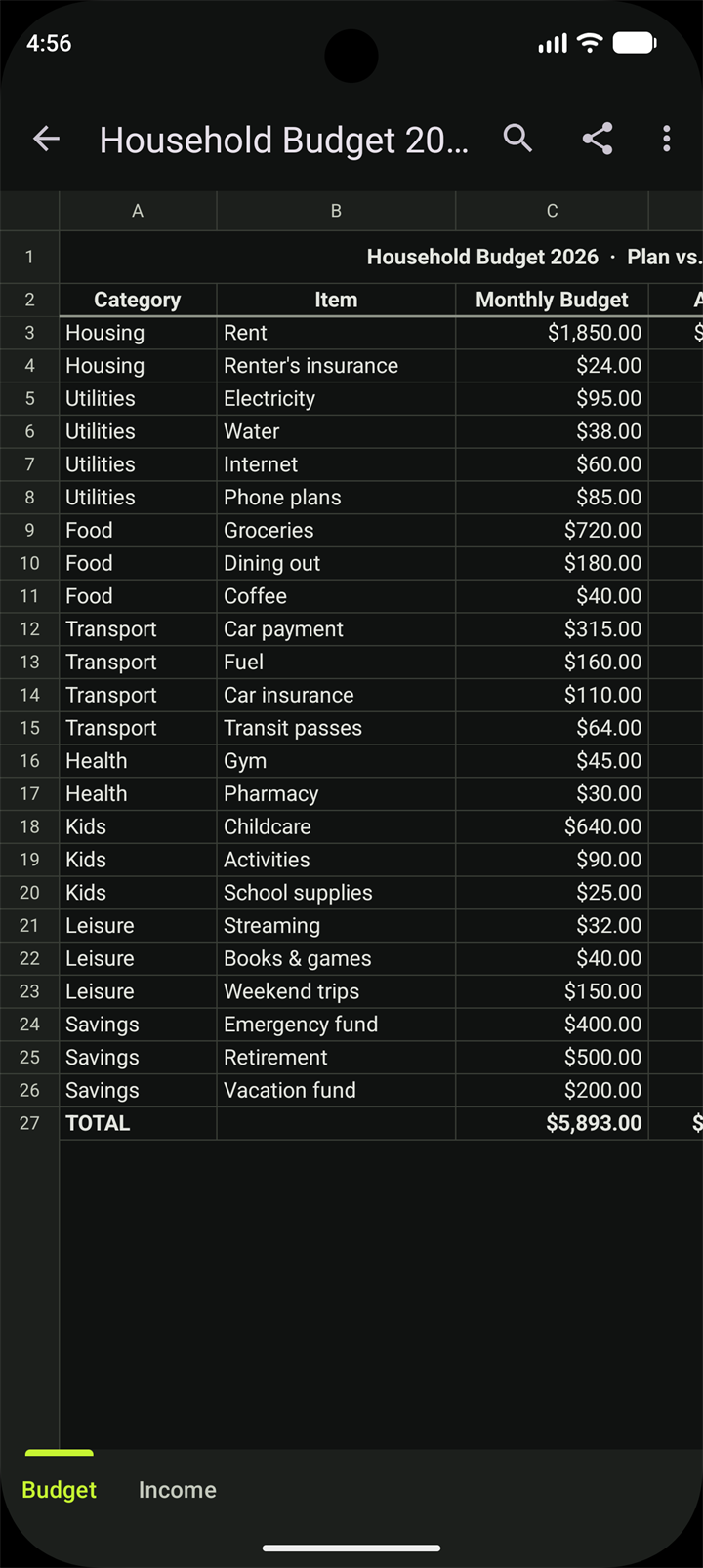
Merged cells, column widths, hidden rows, number, currency, percentage and date formats.
With the header row repeated on every page.
Long-press a cell to copy its value, or share the original file with any app.
Open in a tap
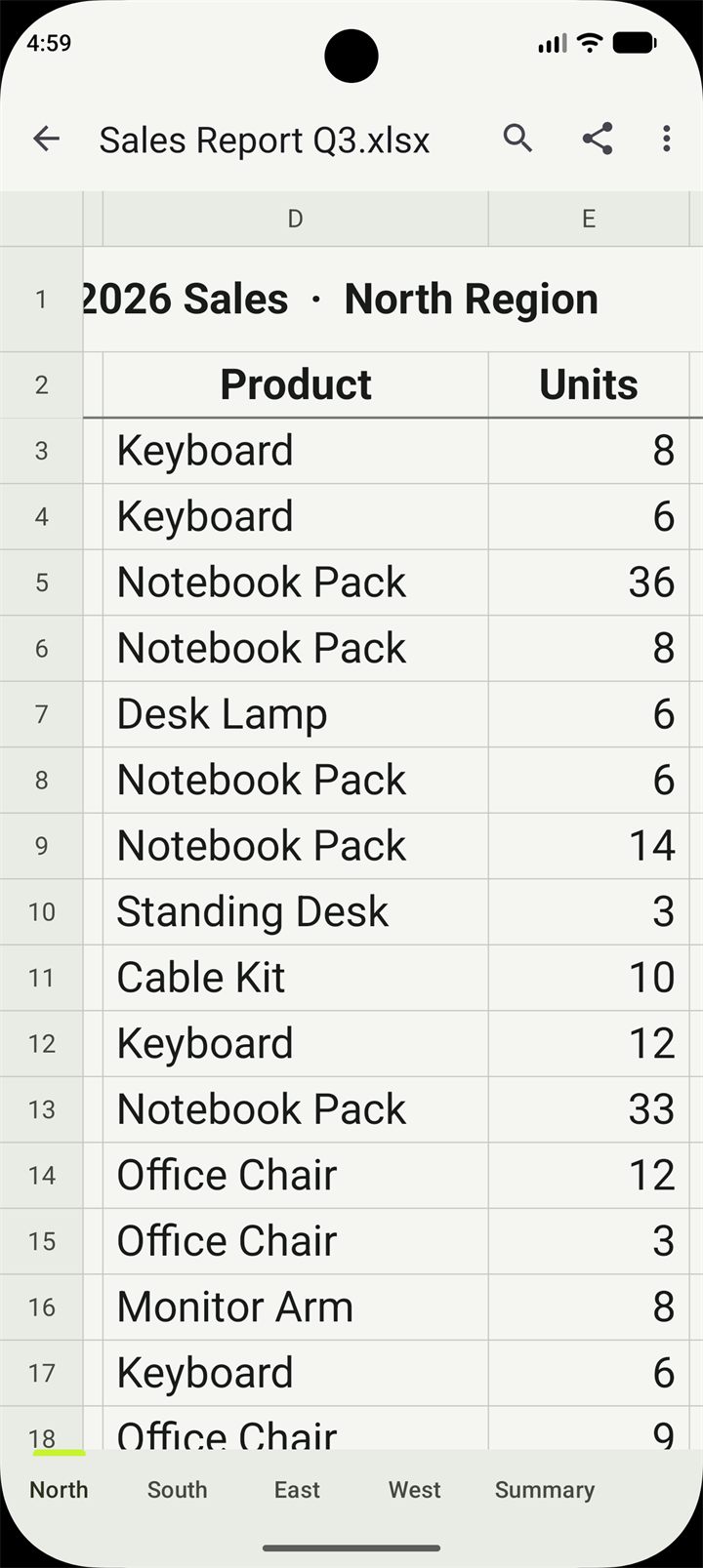
Sheetio shows your workbook the way it was made, with sheet tabs to switch between worksheets.
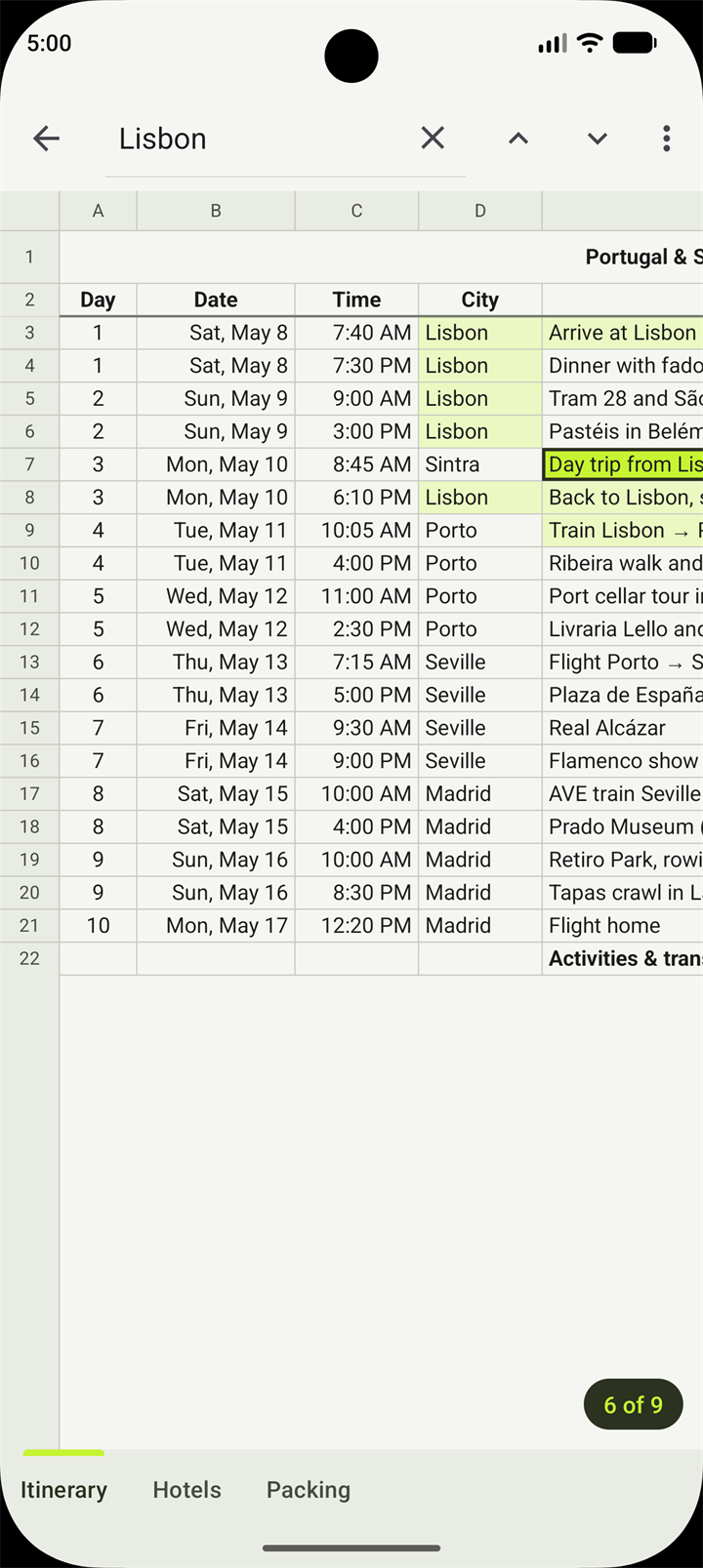
Find anything, fast
Type a word and Sheetio highlights every match, then jumps from one to the next.
Headers stay in place
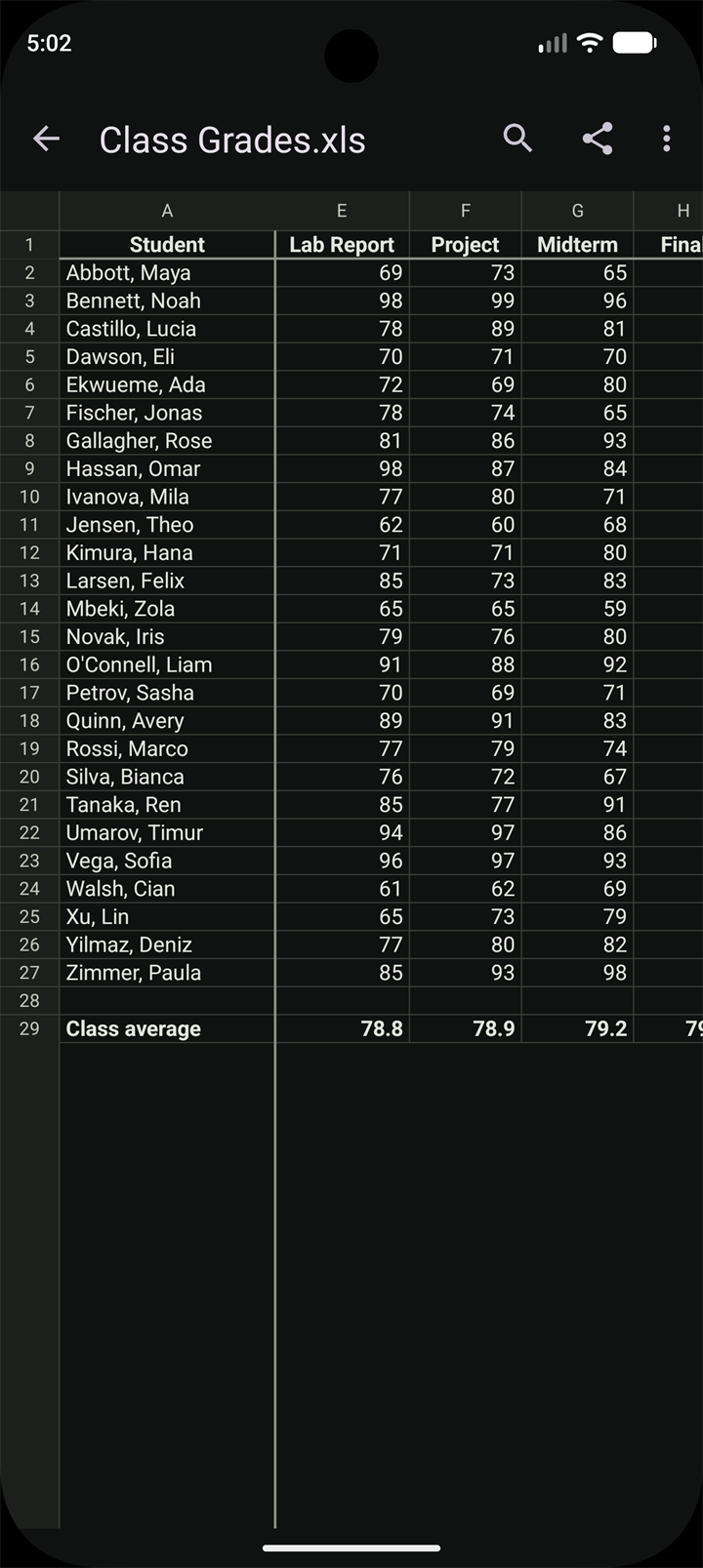
Frozen rows and columns saved in the file stay put while you scroll. Or freeze the header row yourself from the menu.
Phones and tablets
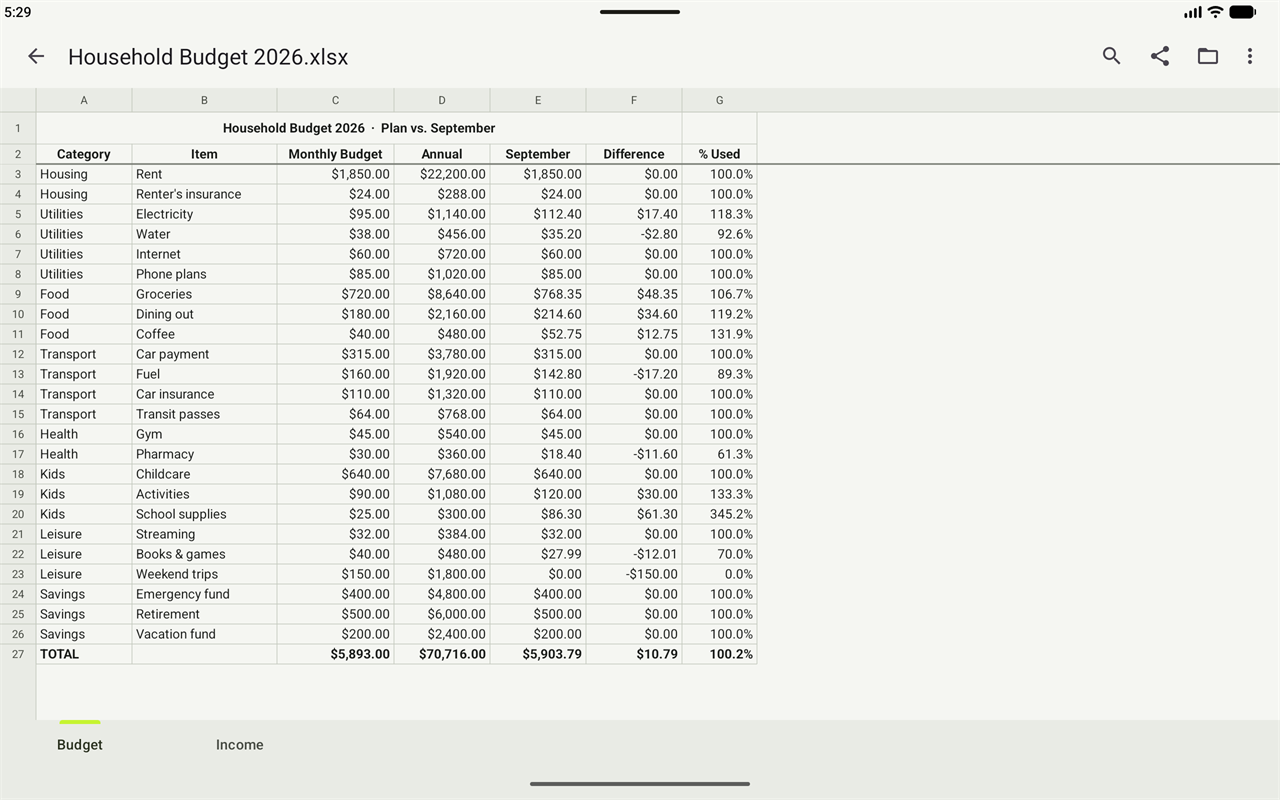
On a tablet, Sheetio uses the extra room to show wide sheets at a glance, with your recent files right next to the Open button on the home screen.
Private by design
Sheetio doesn't even have the internet permission, so your files cannot leave your phone through it.
Take a look
Fast and private. In light and dark.
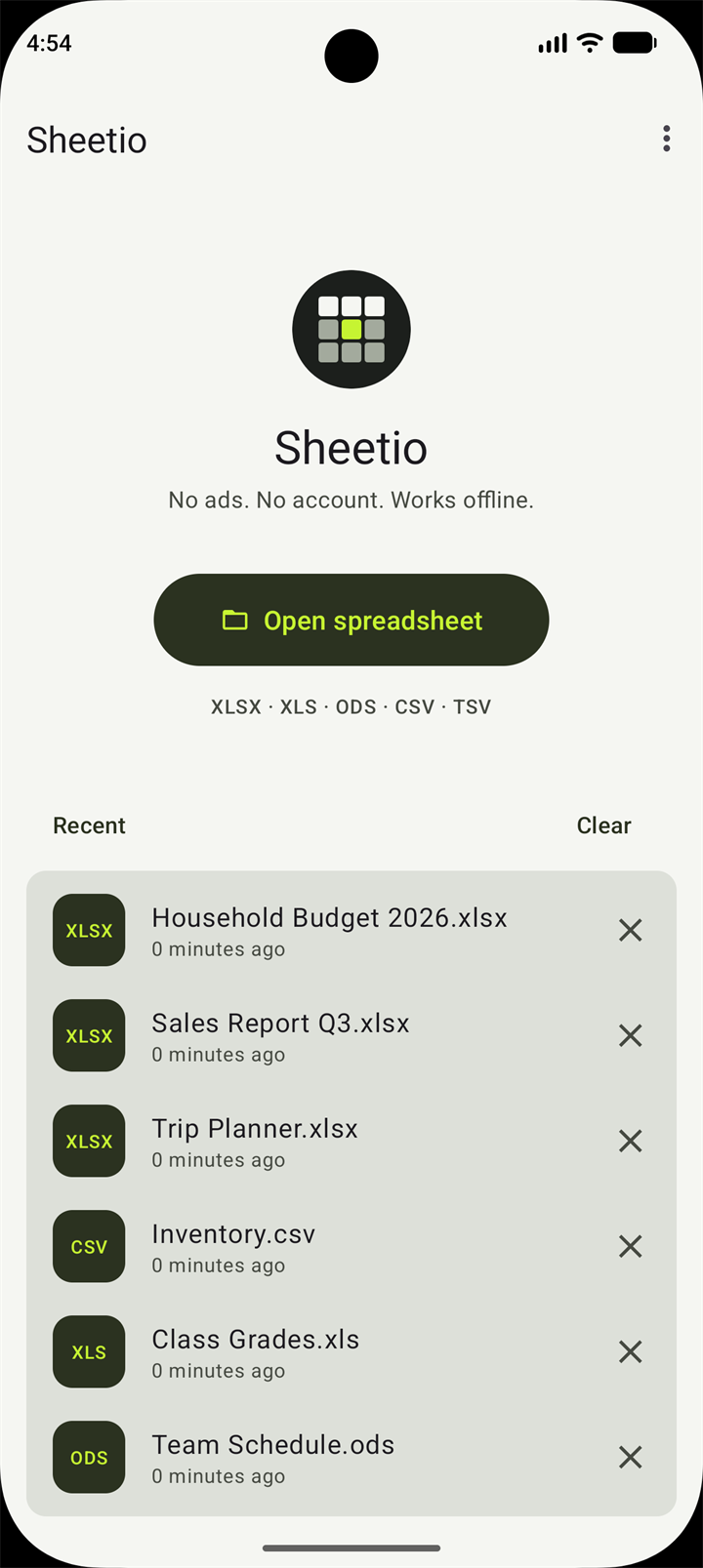
A big Open button and your recent files.
Currency, dates and totals, just right.
Search every cell and jump between matches.
Frozen rows and columns while you scroll.
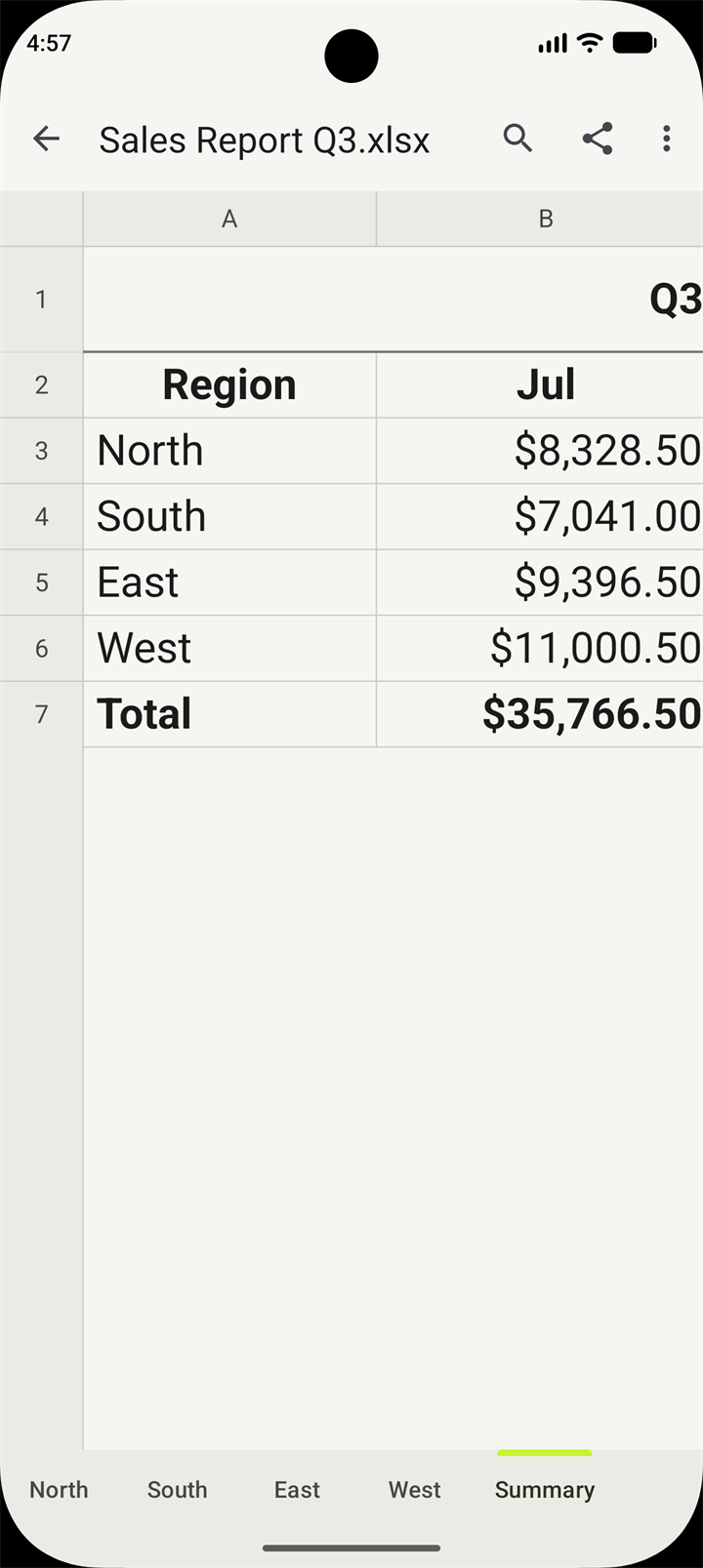
Switch between sheets with tabs.
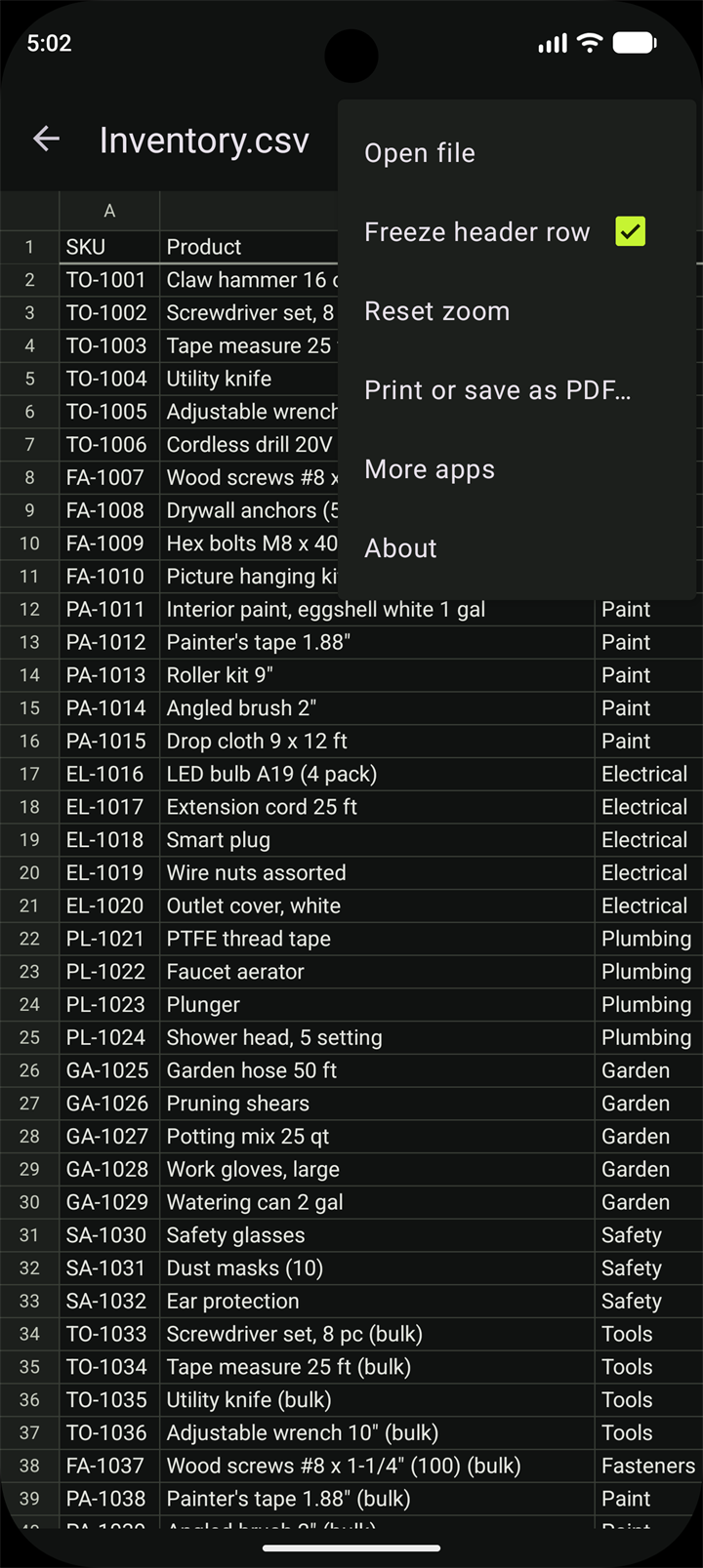
Freeze the header row, reset zoom and more.
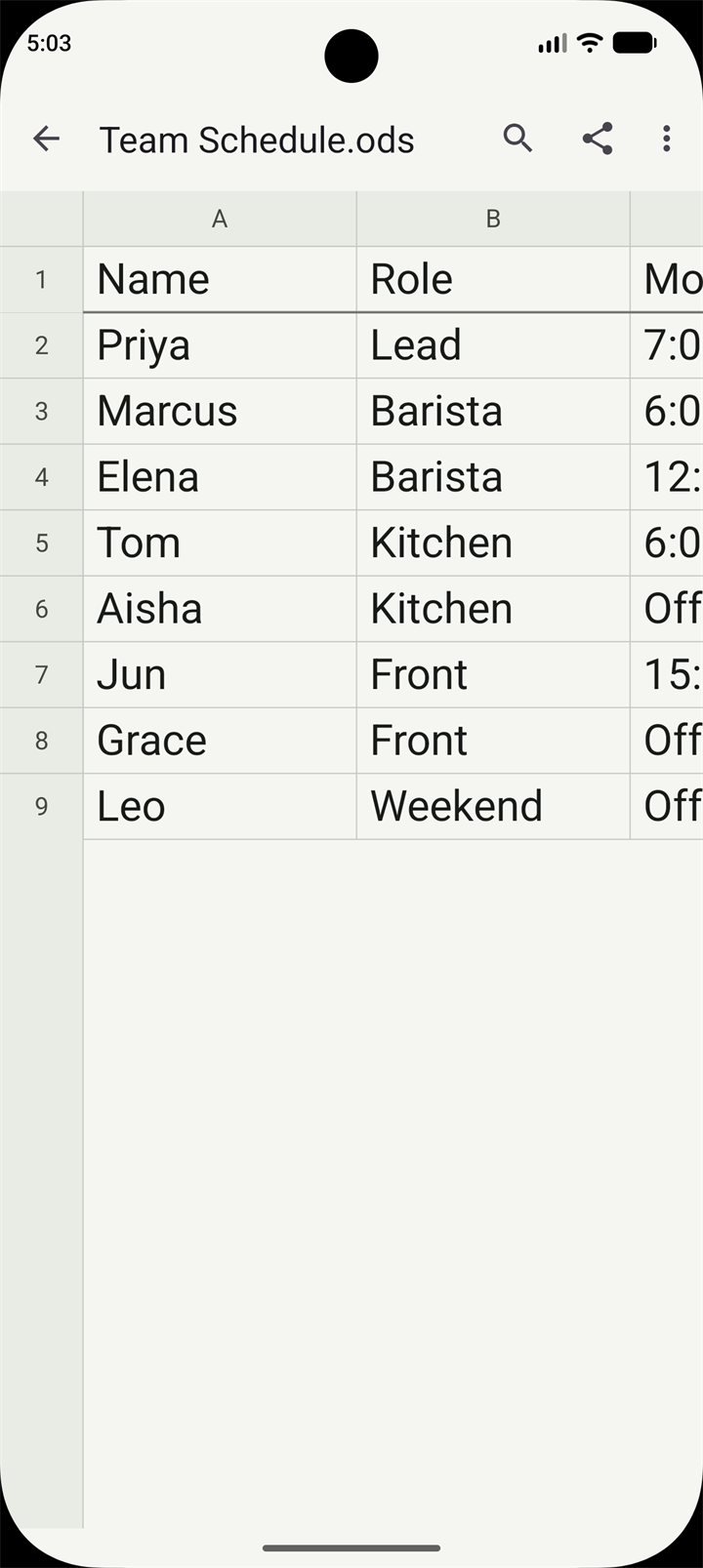
ODS files from LibreOffice and OpenOffice.
Follows your phone's theme.
Good to know
Your files are never changedSheetio opens and displays spreadsheets but doesn't edit them.
Formulas show saved resultsIf a file was saved without results, Sheetio shows the formula instead of a blank cell.
Password-protected filesEnter the password and the file opens. The password is never saved. A few rarely used encryption types, such as LibreOffice's newer whole-file encryption, can't be opened yet.
Charts and imagesCharts and images inside workbooks are not shown.
Need help or want to get in touch? Send a message and we'll respond as soon as we can.