 Pinio
PinioSave in one tap
Tap once in the app or on the home screen widget to save your car's location.
Free · No ads
Pinio: Find My Car & Parking
Save your parking spot in one tap, then let Pinio walk you back to your car. Everything you save stays on your phone.
Park, walk away, come back
A simple car locator and parking reminder for city streets, shopping centres, airports, stadiums and anywhere else your car is easy to lose.
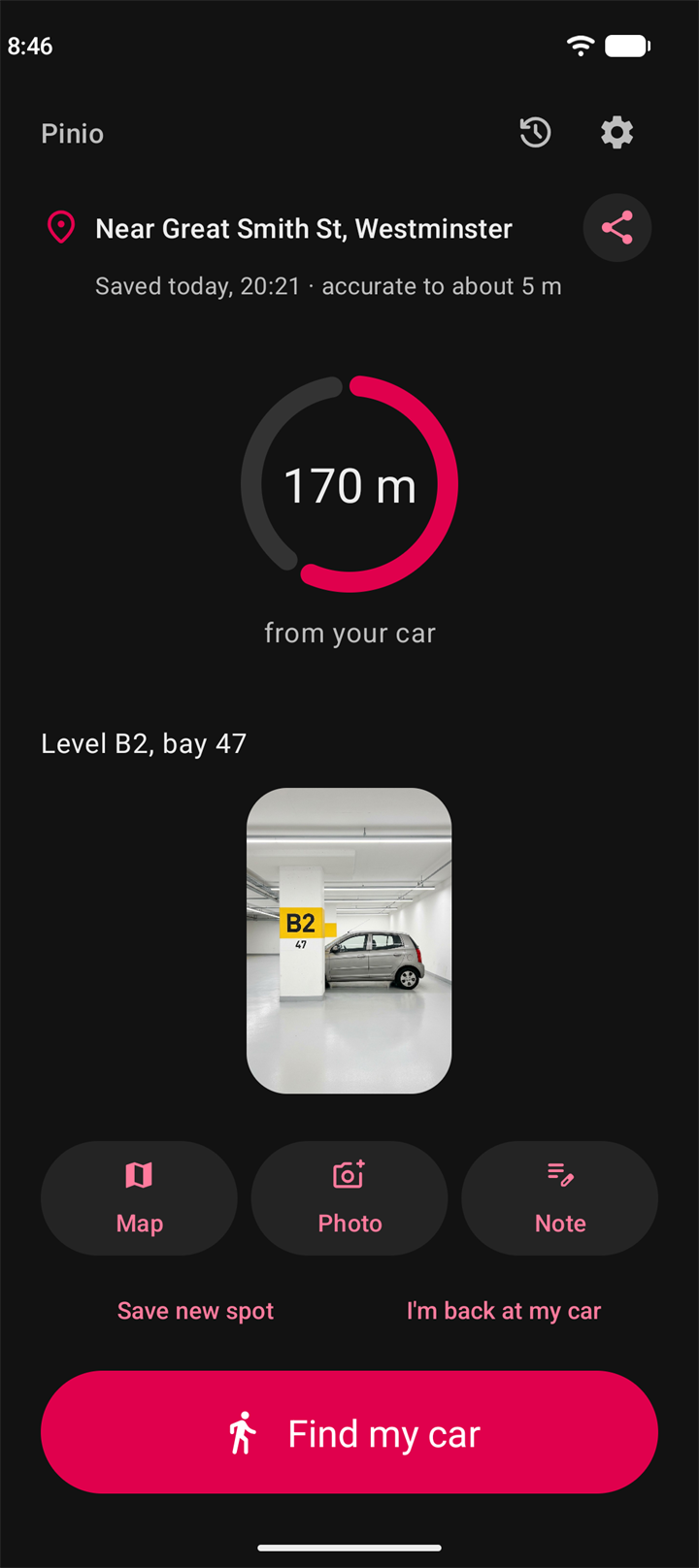
Tap once in the app or on the home screen widget to save your car's location.
A level sign or landmark is easy to find again.
"Level B2, bay 47", for underground and multi-storey car parks.
Find my car gives you walking directions in your maps app.
Pinio can ask whether to save your spot when your phone disconnects from your car's Bluetooth.
Look back at past spots, make one current again, or delete it.
Past spots can delete themselves after 30 or 90 days.
Find your car
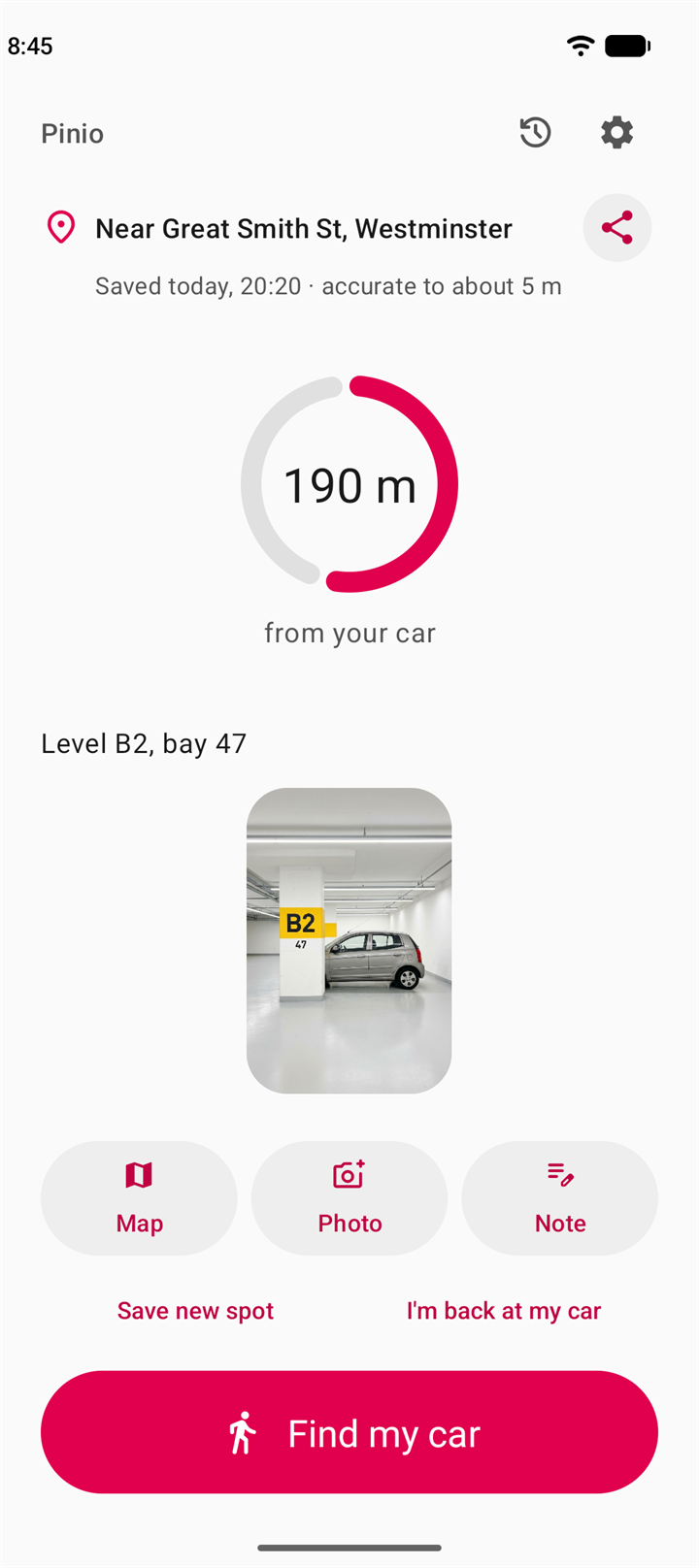
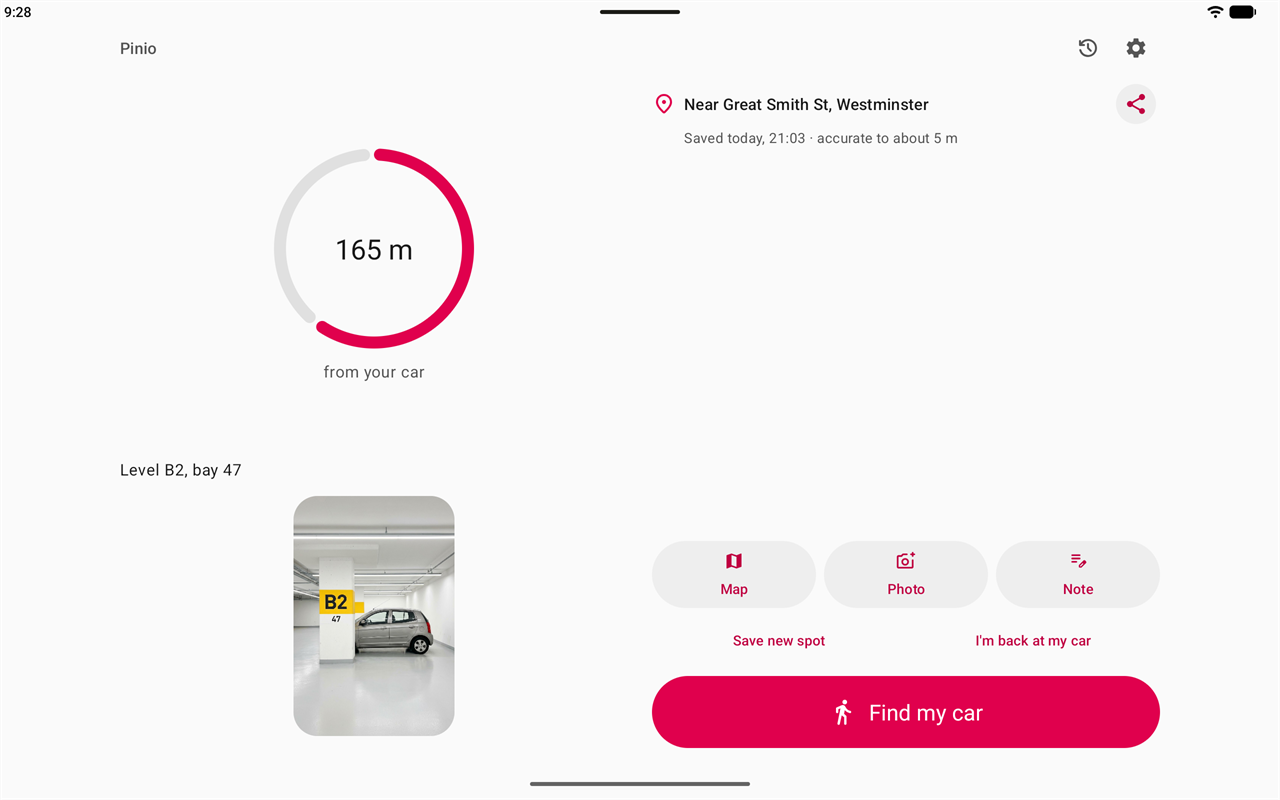
Watch the distance to your car while you walk. When you're close, Pinio tells you, so you know when to start looking around.
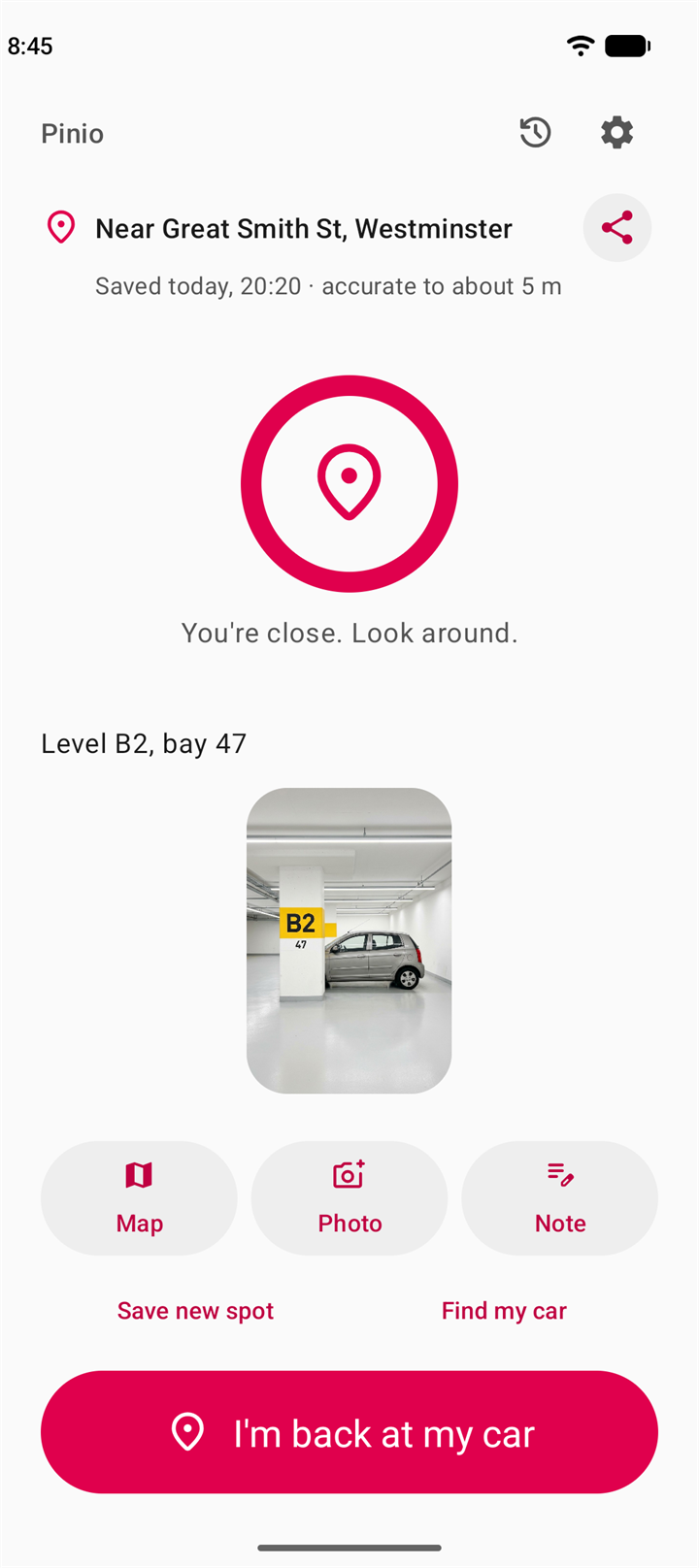
Just parked? Pinio asks
Choose your car's Bluetooth in Settings, and Pinio asks whether to save your spot when your phone disconnects from your car. One tap and it's saved.
This is optional and stays off until you turn it on.
Home screen widgets
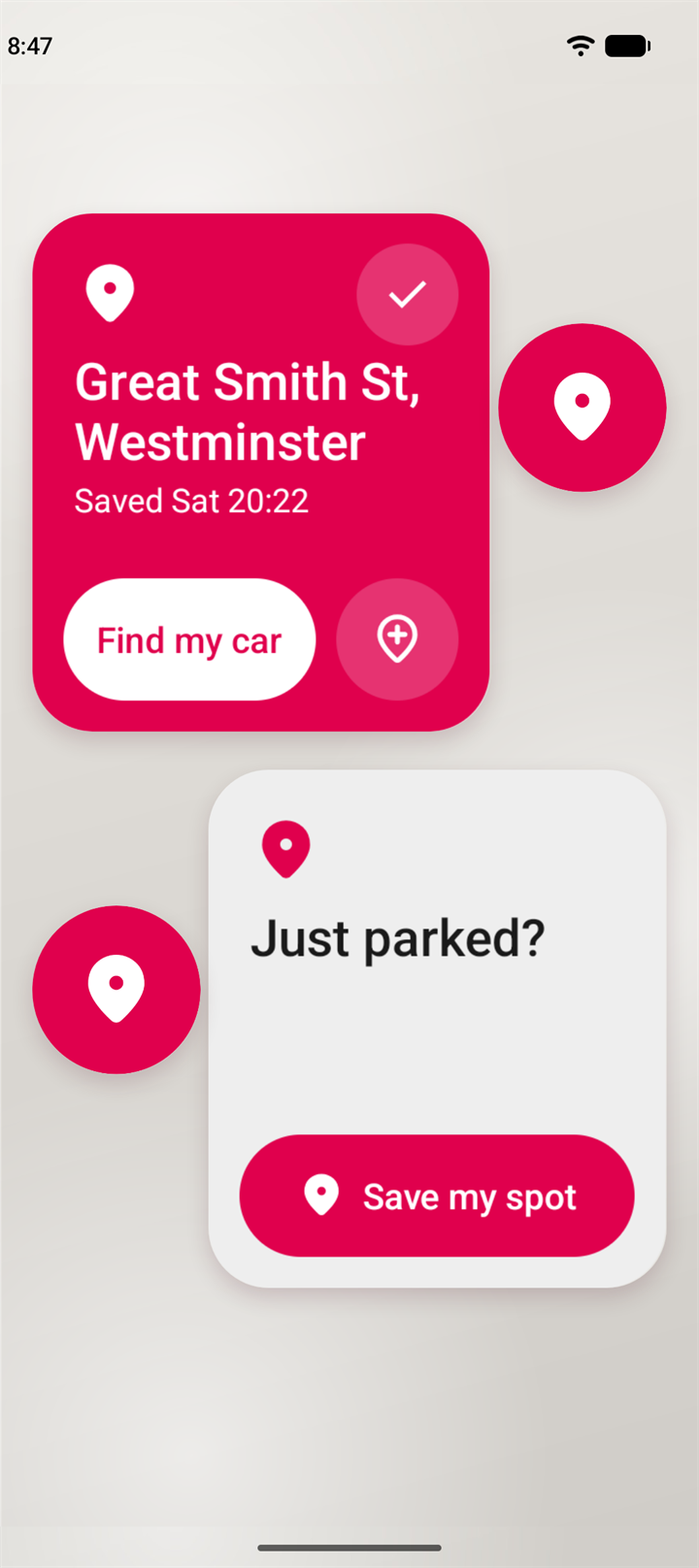
Choose a widget showing your address and saved time, or a simple round button.
Phones and tablets
Pinio makes room for a larger ring and photo on a tablet, in light and dark.
Private by design
Pinio has no internet permission and no server, so it can't upload your data.
Your device's address service and your maps app receive a spot's coordinates to do their job. The privacy policy explains exactly when.
Take a look
Simple and private. In light and dark.
Address, distance, note and photo.
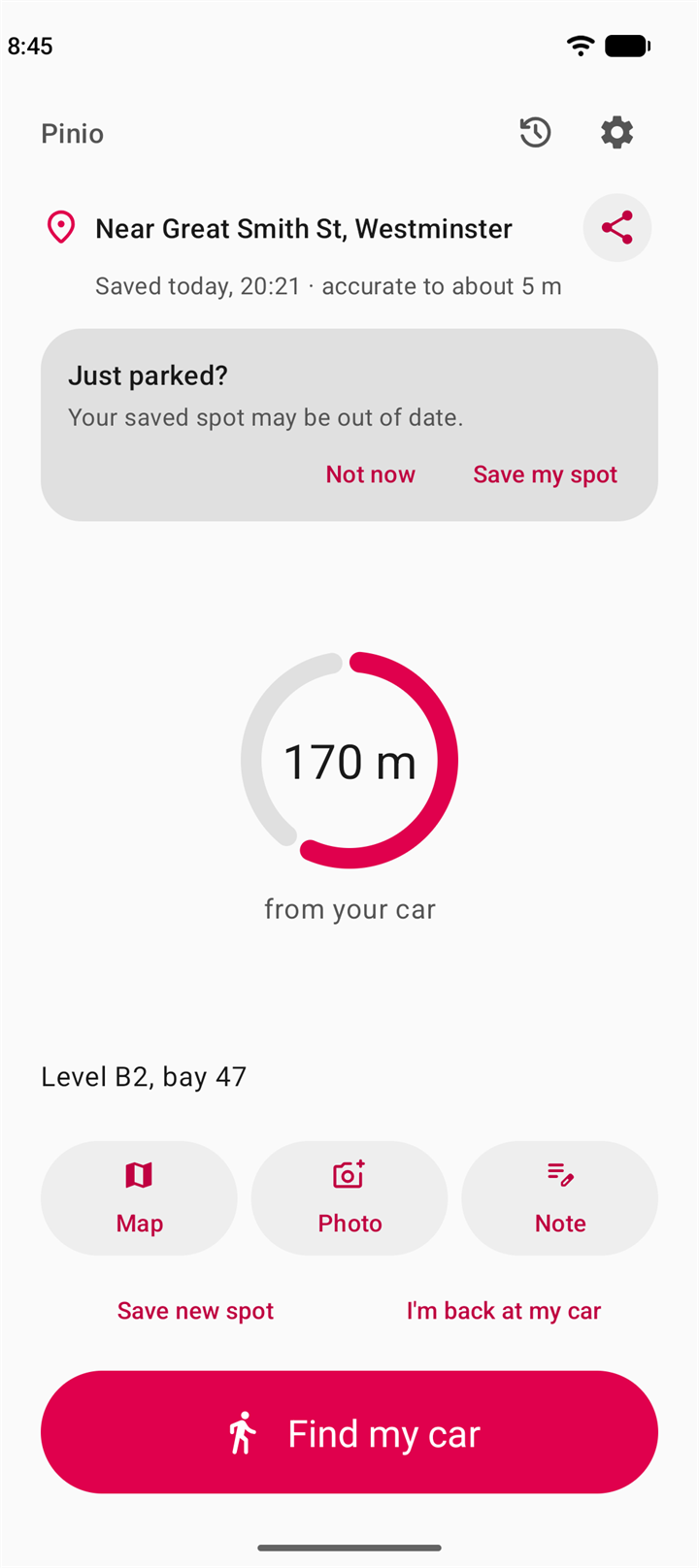
Know when to start looking around.
An optional question when your car disconnects.
With your address, or a simple round button.
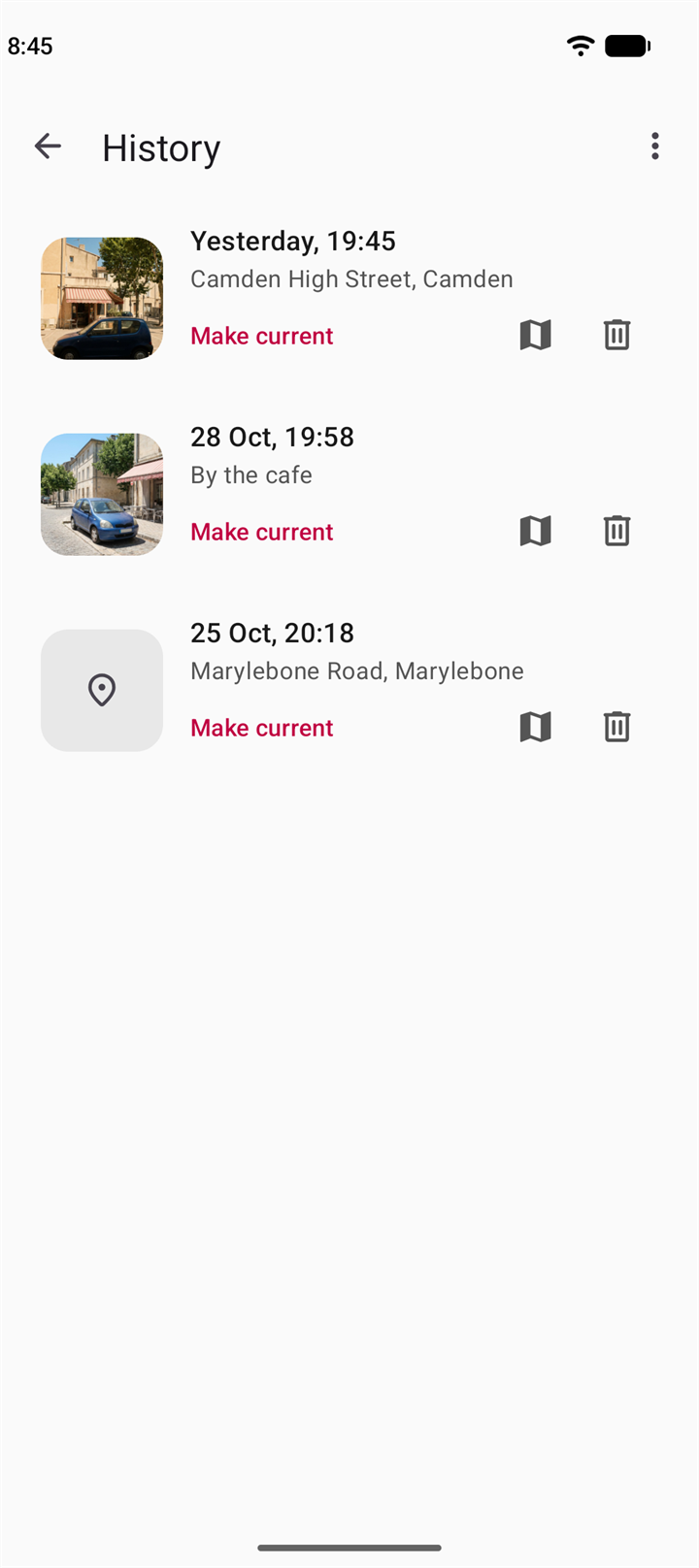
Reuse an old spot or delete it.
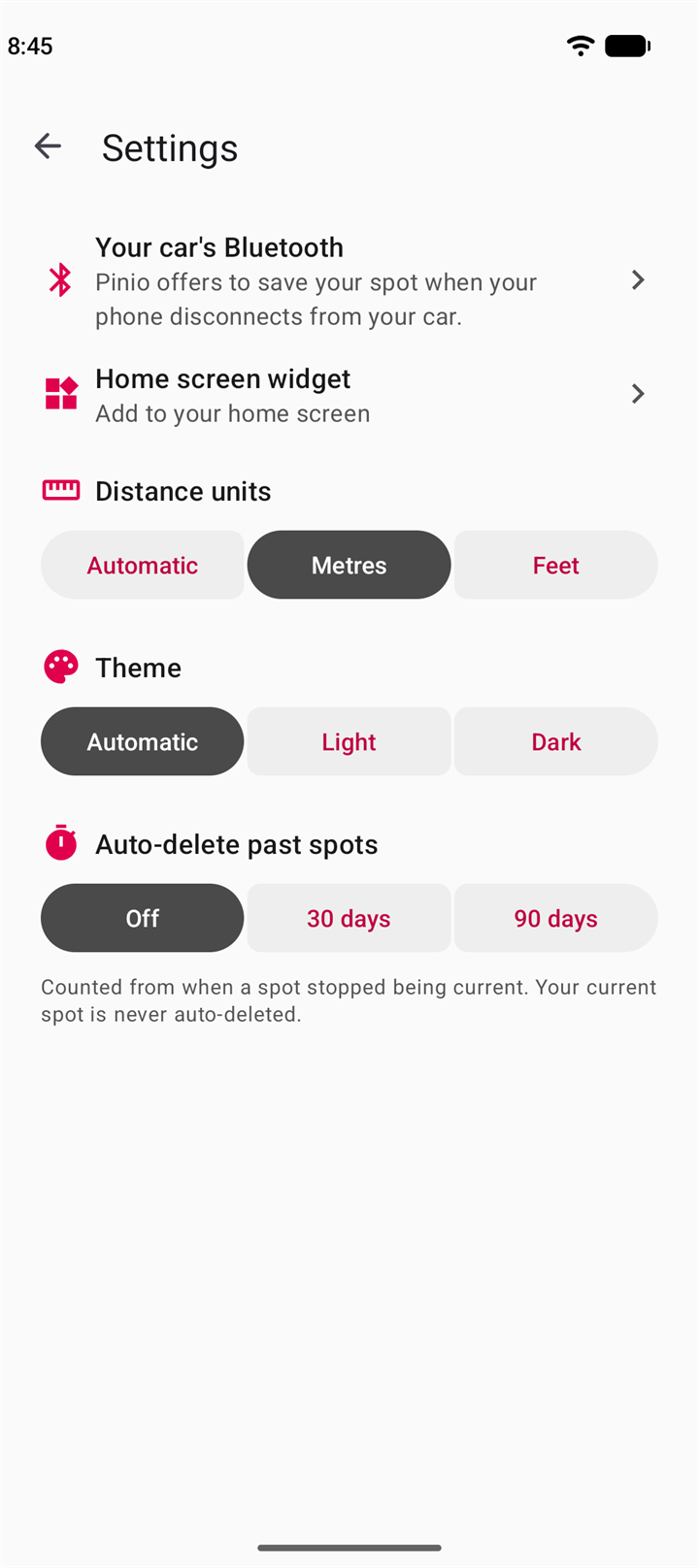
Bluetooth, widget, units, theme and auto-delete.
Follows your phone's theme, or pick one.
Good to know
No signal in the car park?Pinio still saves your spot, with your photo and note, and shows the distance back to your car. You only need a connection for the street address and for directions in your maps app.
Weak location?Underground, your phone may not get an accurate fix. Pinio saves the spot anyway and warns you, so add a photo or a note.
Pinio asks, it doesn't save by itselfWithout background location, a save always starts with your tap, even after your car disconnects.
Your spots live on one phoneThey aren't backed up, so they don't follow you to a new device.
Need help or want to get in touch? Send a message and we'll respond as soon as we can.