A countdown on every photo
White means later, charcoal this week, red under a day.
For the photos you need only for a while. Pick how long each one lives. It slowly fades, then deletes itself. Your gallery stays clean.
Every photo has a countdown. As the time runs out, it fades, a little more each day, until it's gone.
 1w
Open the camera, choose 1 hour, 1 day, 1 week or 1 month, and take the photo.
3dPhotos are grouped by when they expire: Expiring today, This week, Later.
45mNeed it longer? Extend it. Want it forever? Keep it in your gallery.
Bin · 48hIt waits in the Bin for 48 hours, in case you change your mind. Then it's deleted.
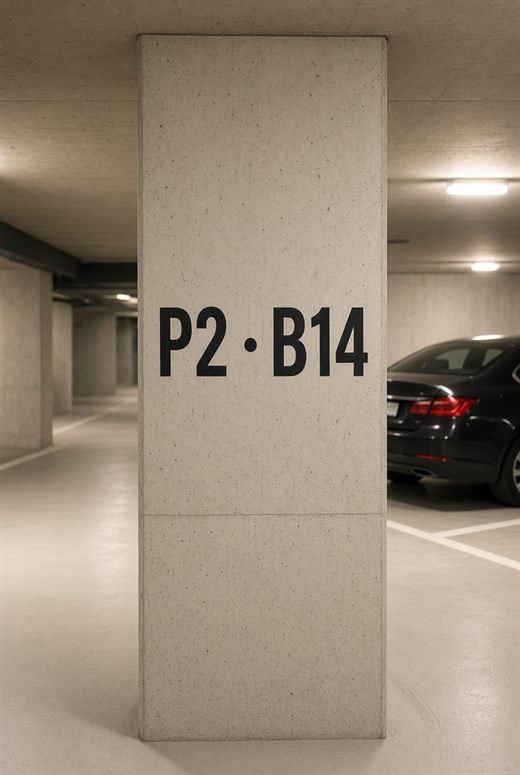
Where you parked, a receipt, a Wi-Fi password, the whiteboard after a meeting, the price tag you want to compare. Useful now, clutter tomorrow.

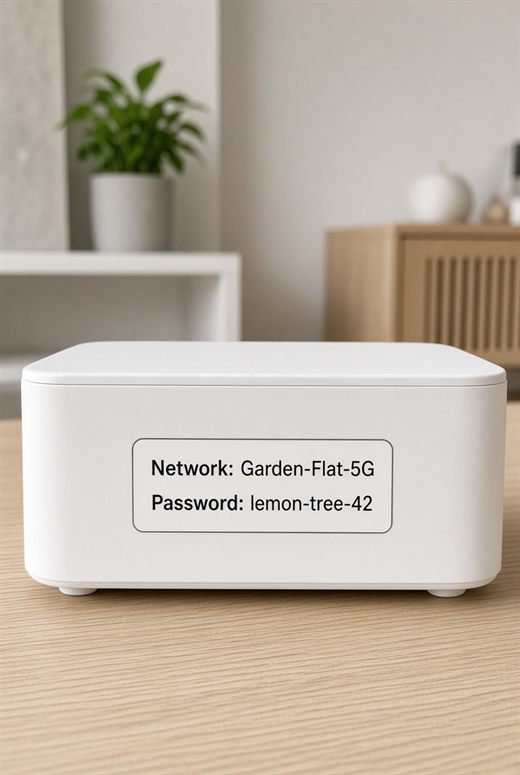

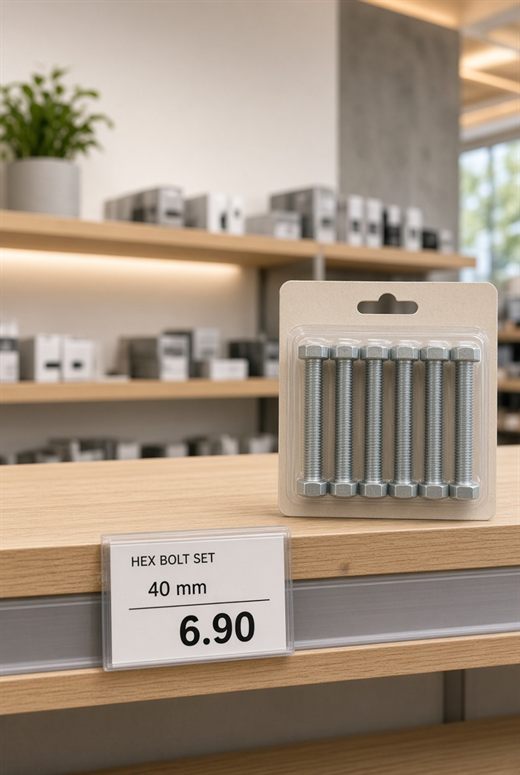
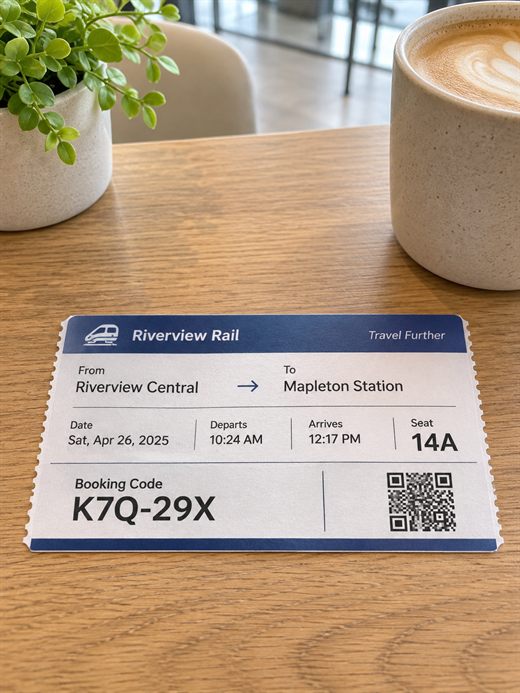
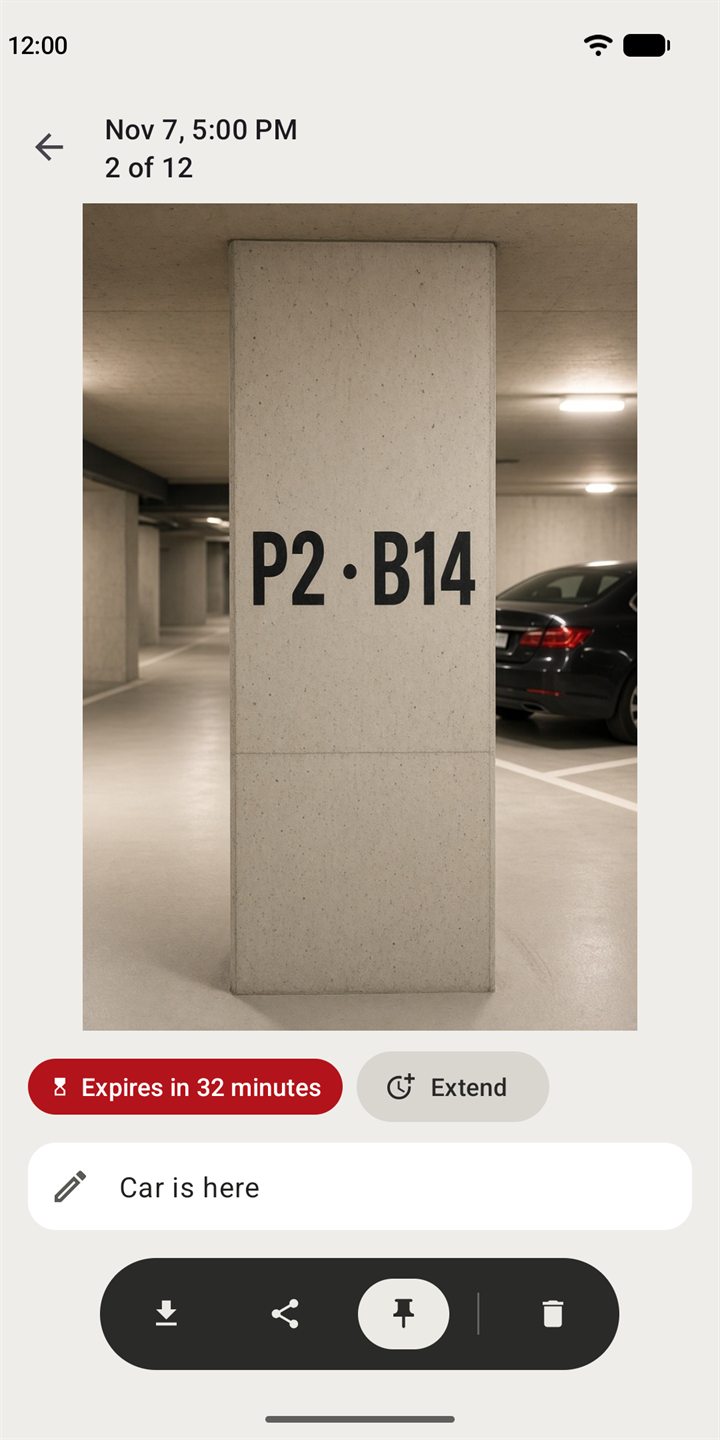
Not everything should fade. Open a photo to see exactly how long it has left, and change your mind in one tap.
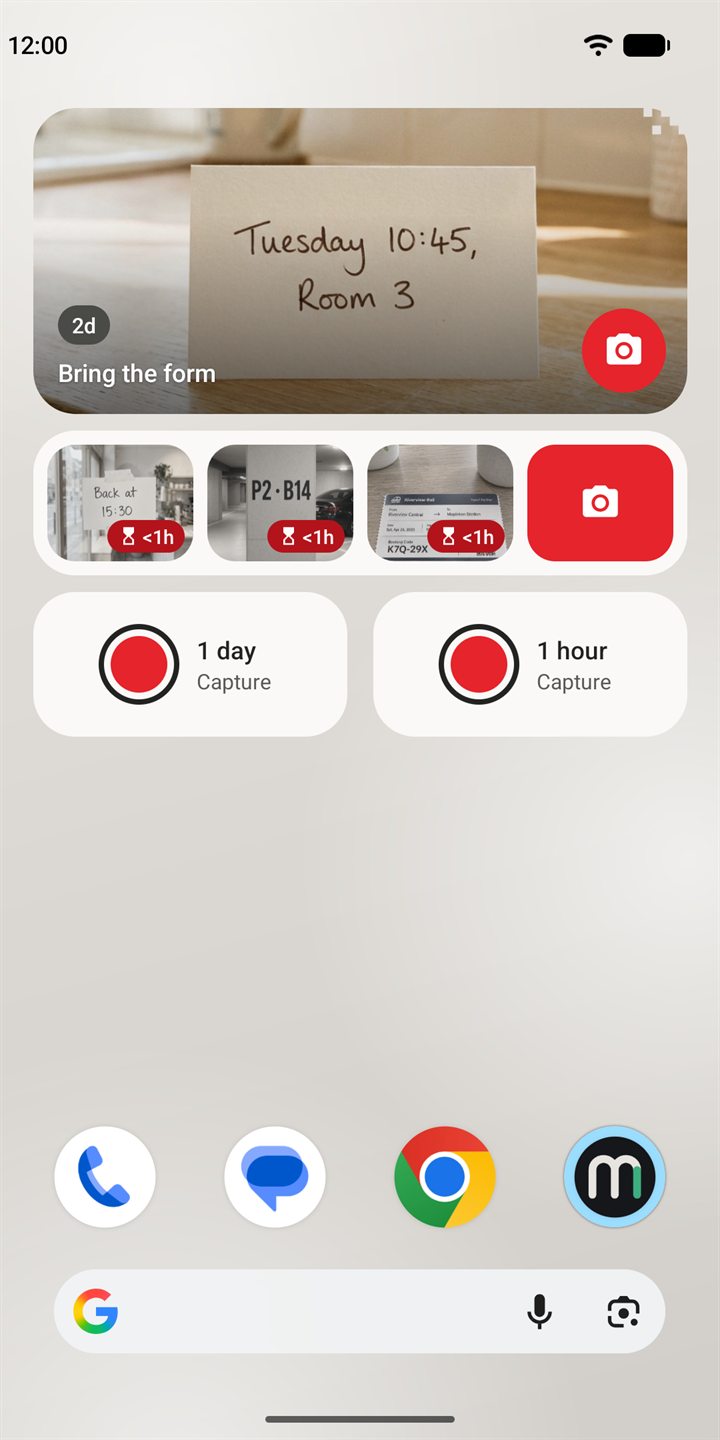
Three widgets, a Quick Settings tile and app shortcuts open the camera from anywhere.
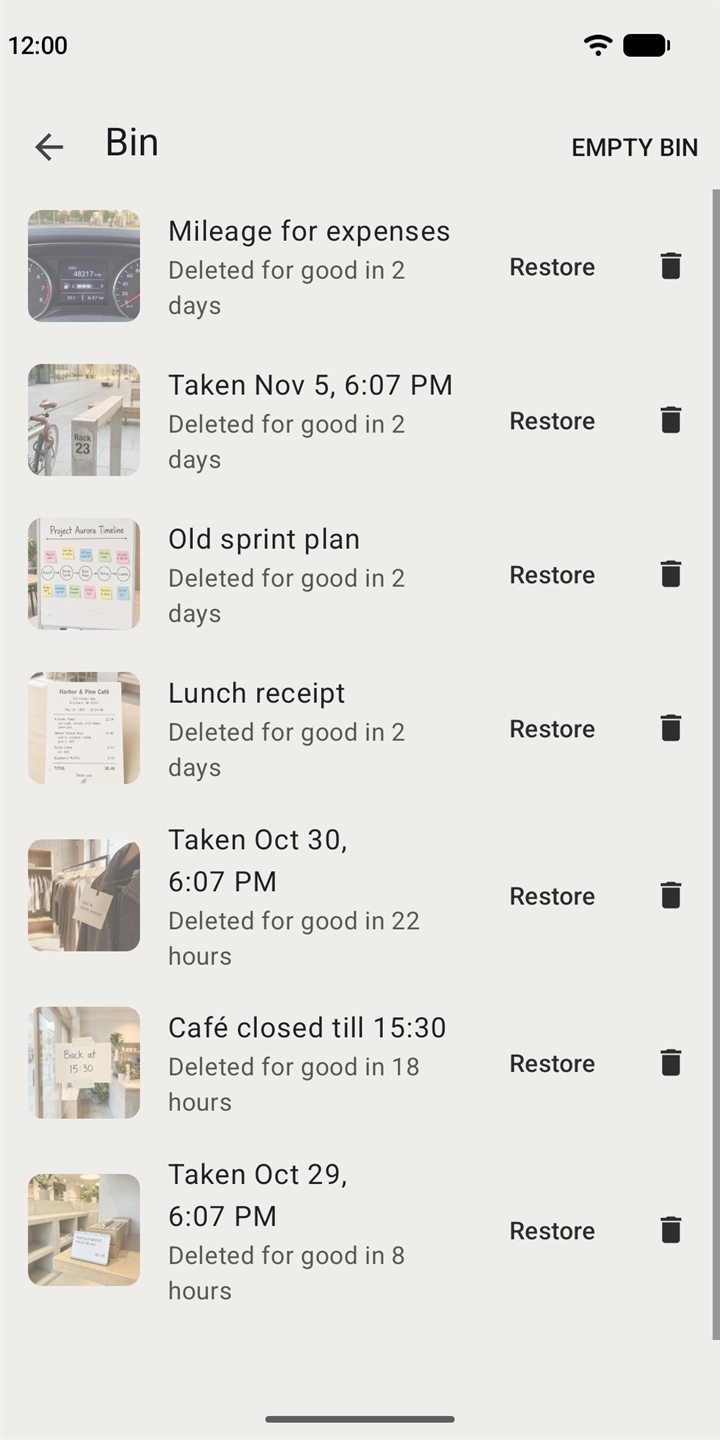
When a photo expires, it moves to the Bin. Restore it, or delete it right away. After 48 hours it's gone for good.
One quiet notification a day tells you when photos are about to expire, only if you want it.
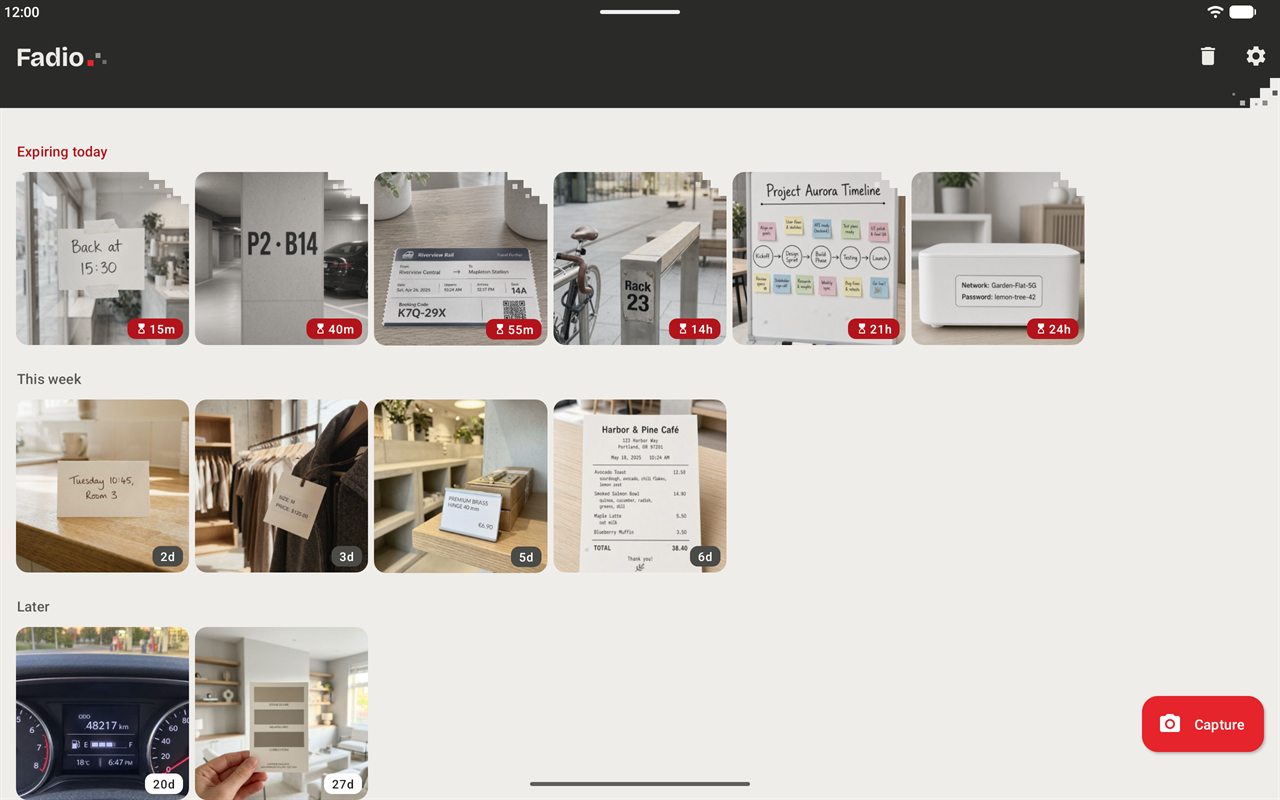
More photos at a glance on a bigger screen, in light and dark.
Fadio has no internet permission, so nothing is uploaded and nothing is tracked.
No ads, no analytics, no tracking. Read the privacy policy.
White means later, charcoal this week, red under a day.
A few words on any photo, shown on the widget too.
Send a photo to any app, or several at once.
At most one notification a day, and only if you want it.
Follows your phone's theme, or pick one.
Set how long new photos live, and change it per photo when you need to.
Simple and private. In light and dark.
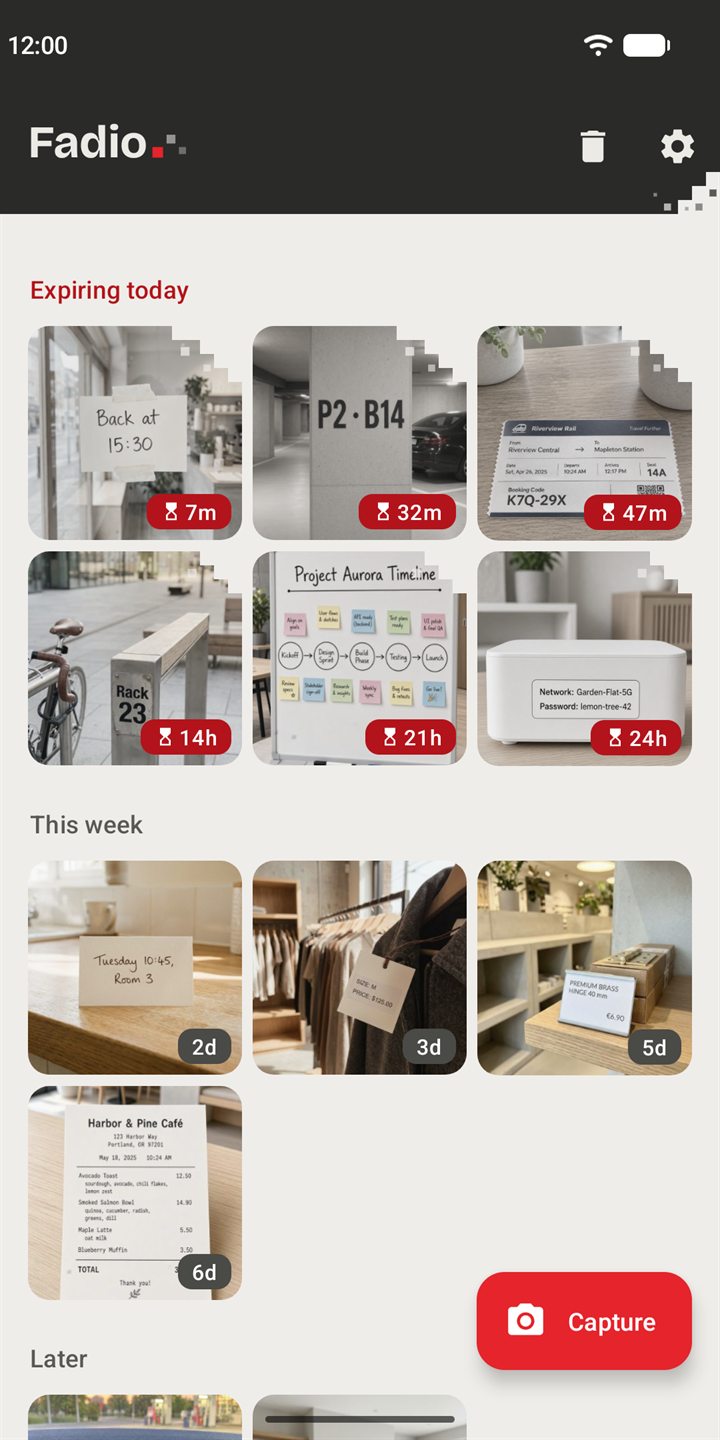
Expiring today, this week, later.
Extend it, keep it or add a note.
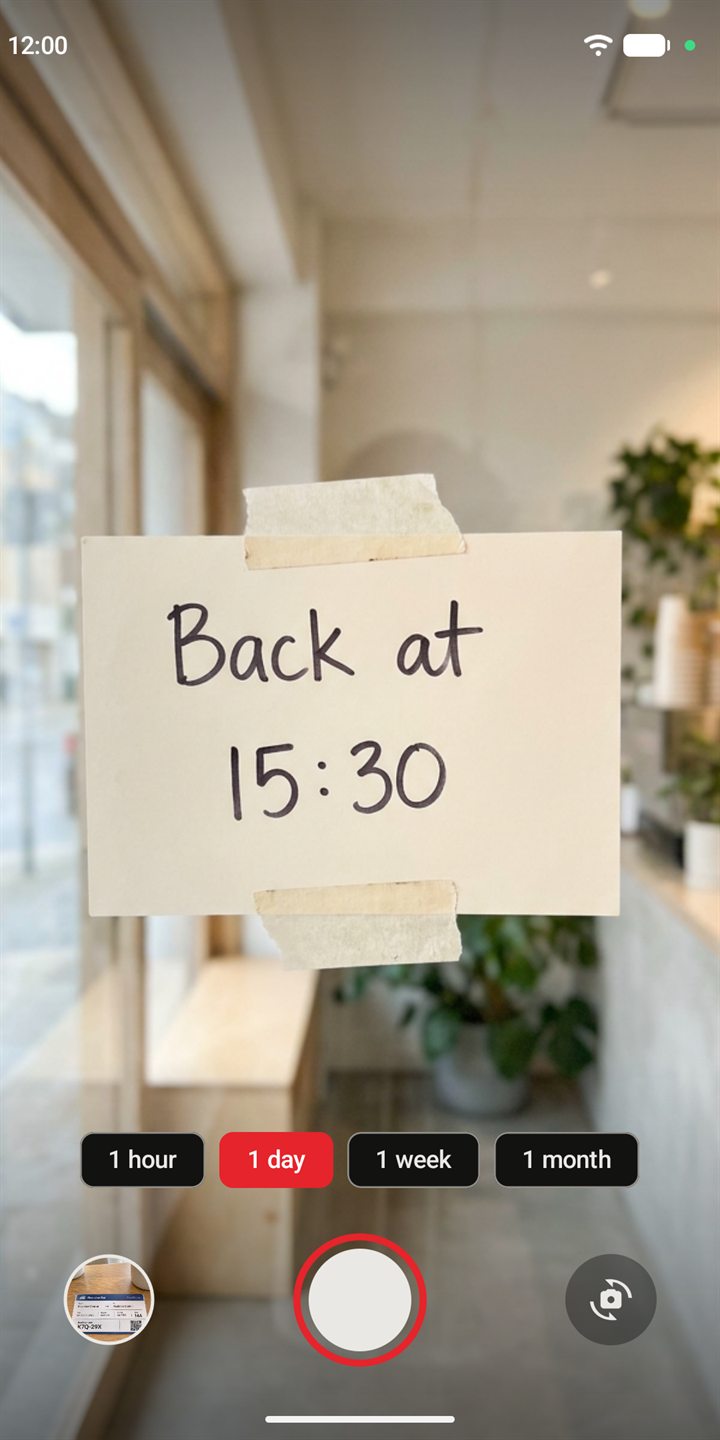
1 hour, 1 day, 1 week or 1 month.
Latest photo, next to fade, quick capture.
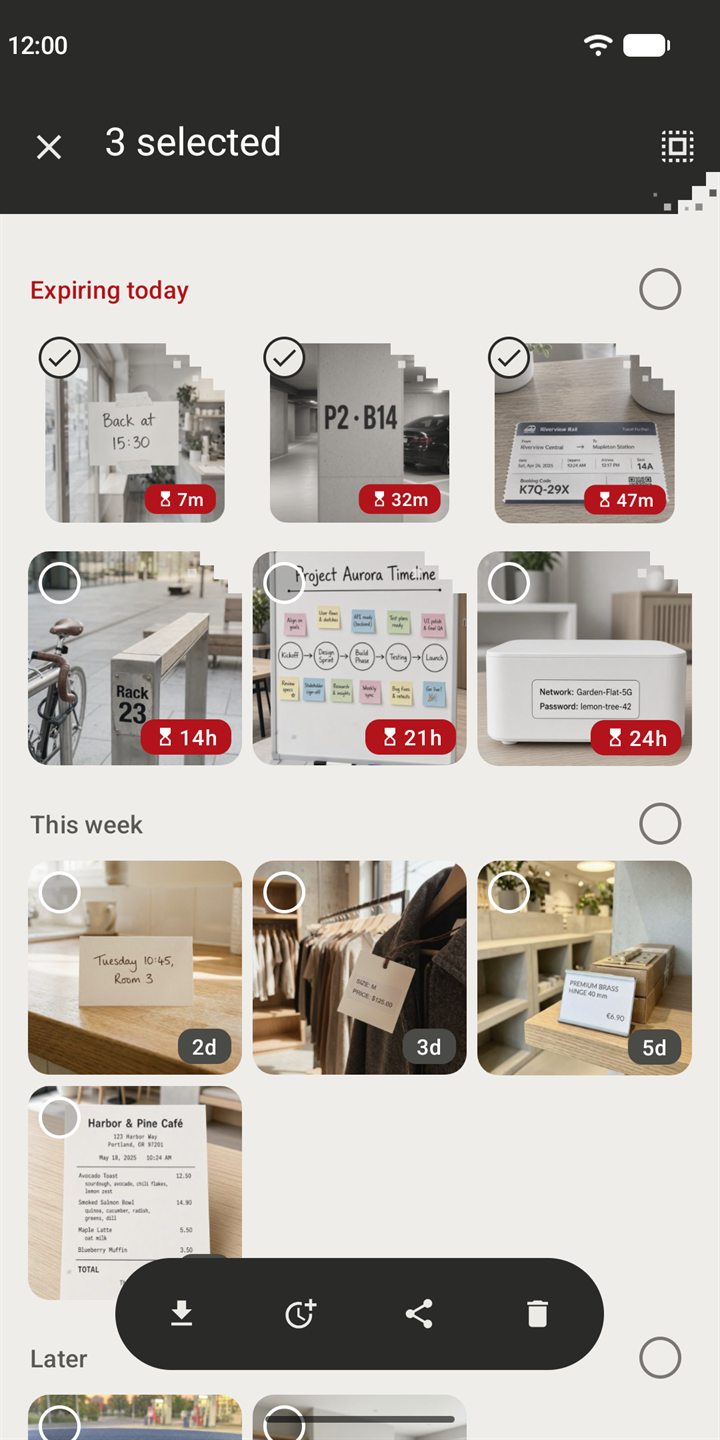
Keep, extend, share or delete at once.
48 hours to change your mind.
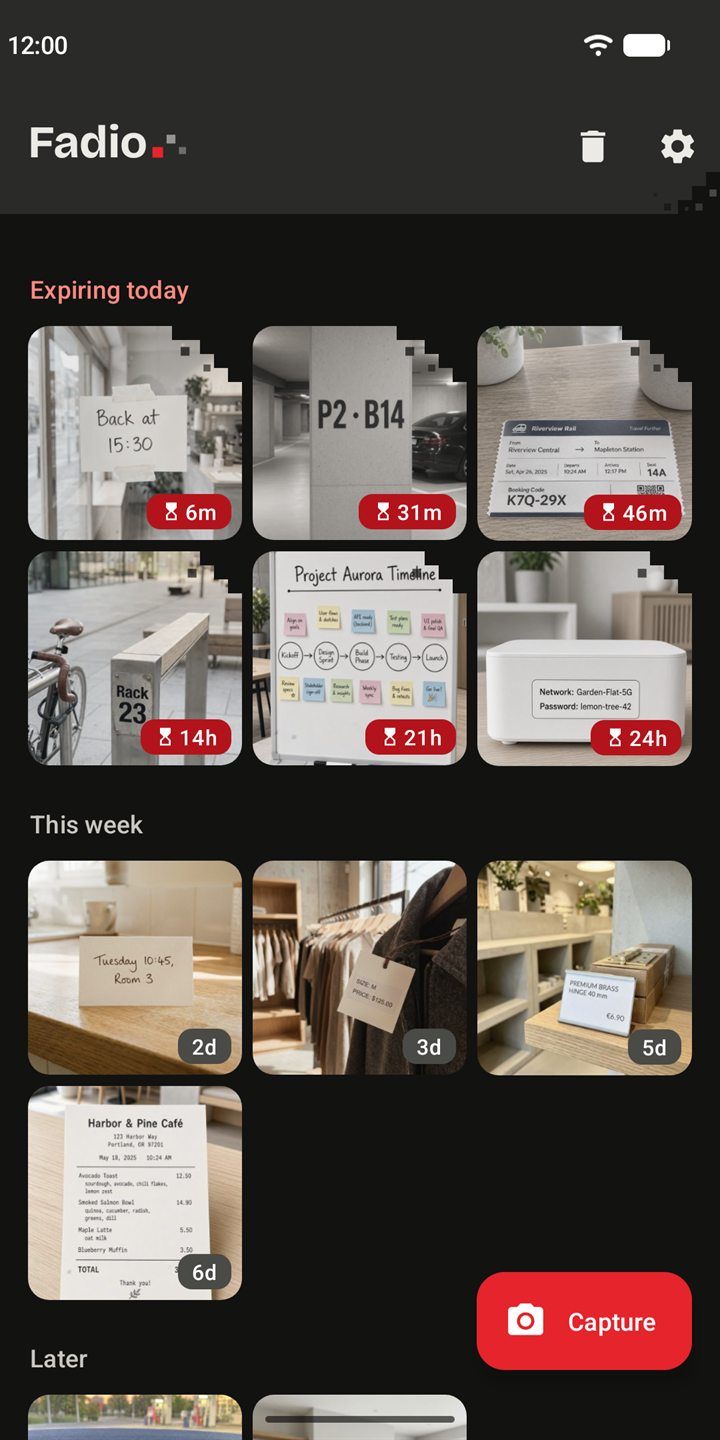
Follows your phone's theme.
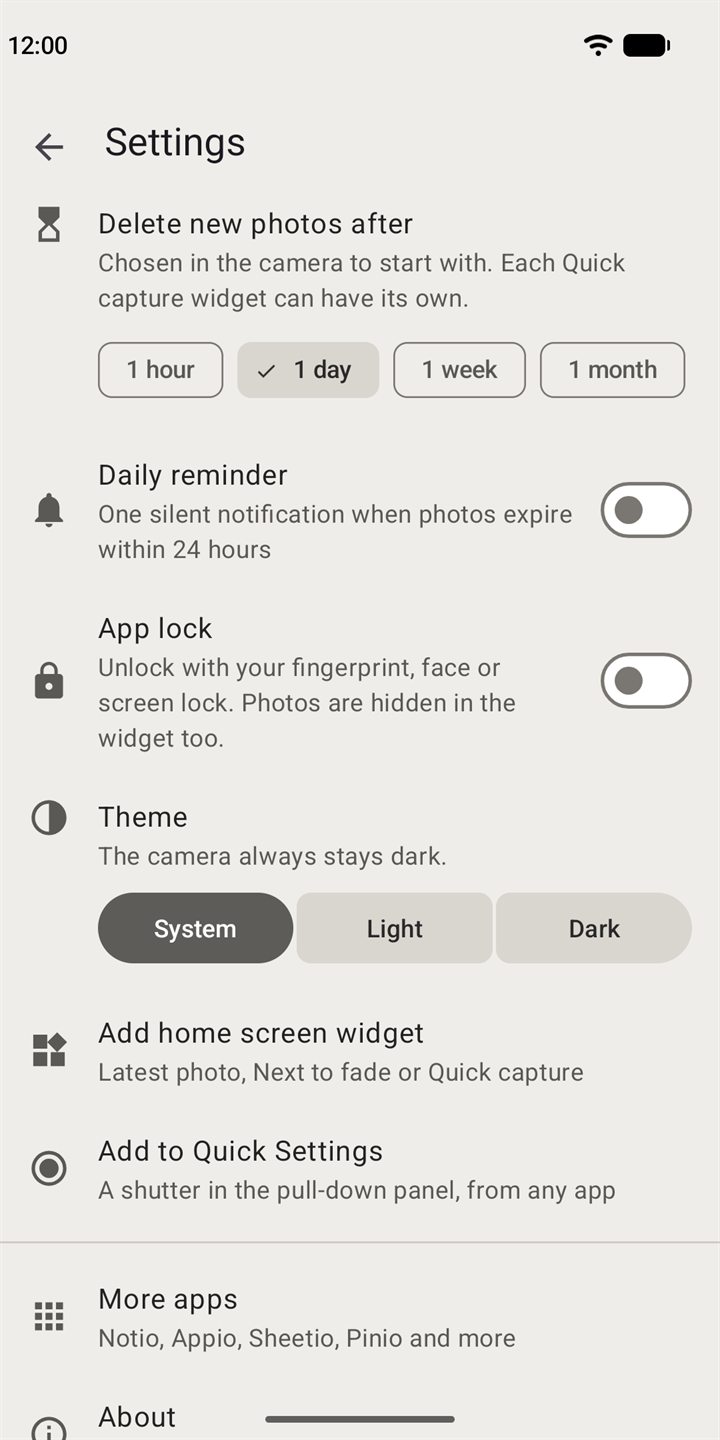
Default expiry, reminder and app lock.
Free, with no adsNo account, no subscription, nothing to sign up for.
Deleting is the pointOnce a photo leaves the Bin, nobody can get it back. If it matters, tap Keep to save it to your gallery.
Uninstalling deletes everythingAll of Fadio's photos go with it, Bin included. Save anything you want first.
Timing can drift a littleAndroid may delay background work to save battery, so a photo can expire a bit later than its countdown, for example while your phone is off.
Once it leaves, it's not temporaryA photo you keep, share or screenshot is outside Fadio and isn't deleted.
No location in photosFadio doesn't add where you took a photo.
Need help or want to get in touch? Send a message and we'll respond as soon as we can.