 Pythio
Understand Python, 5 minutes at a time
A complete Python course for beginners, in short lessons that show what code really does. On the bus, in a queue, in a break. Just open it and start.
Part 1 is free. One purchase opens the rest of the course, for good.
Read code. Predict it. Build it.
Each lesson is one idea: a short idea card, a handful of questions that make you think about real code, then a mini-challenge.
-
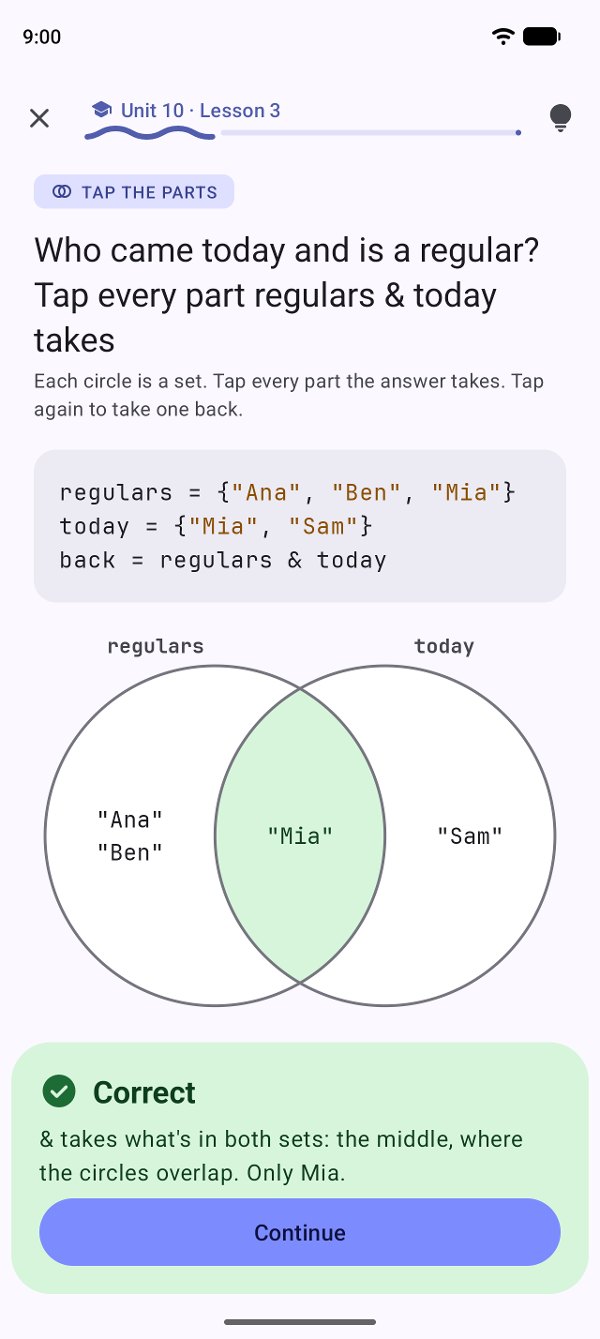
01See what code doesQuestions you answer with a tap: the parts of two sets, a loop round by round, the cell
orders[1][0]reads. -
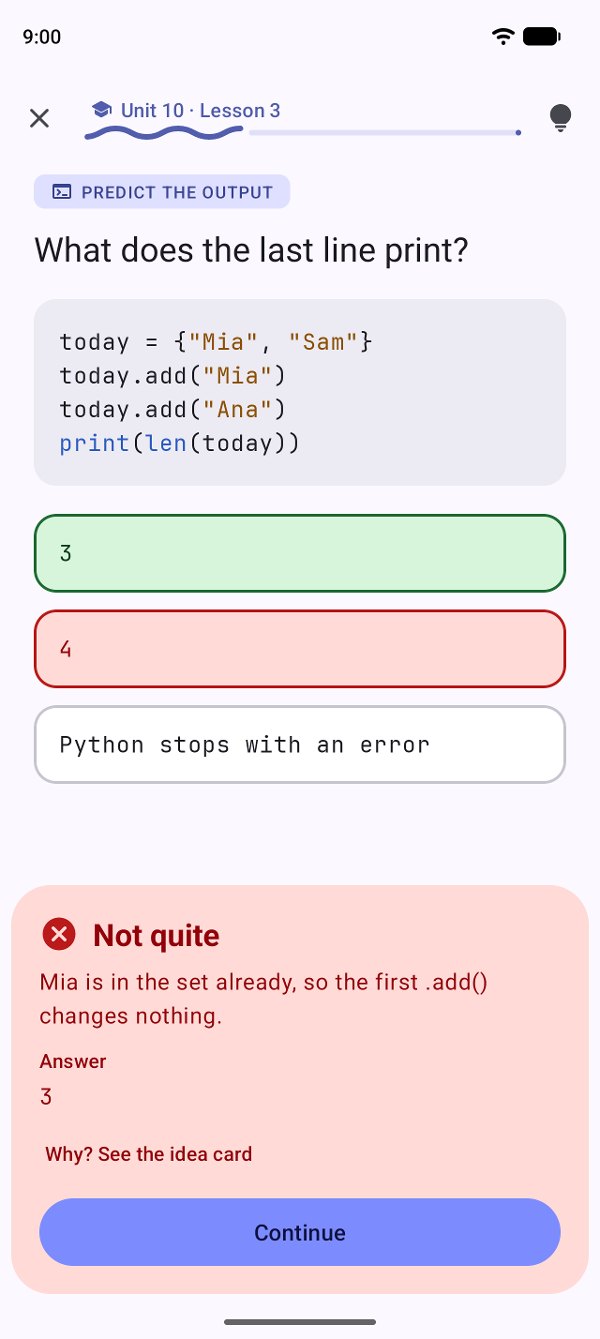
02Mistakes explainedEvery wrong answer gets its own explanation, and comes back at the end. No hearts, no lives.
-
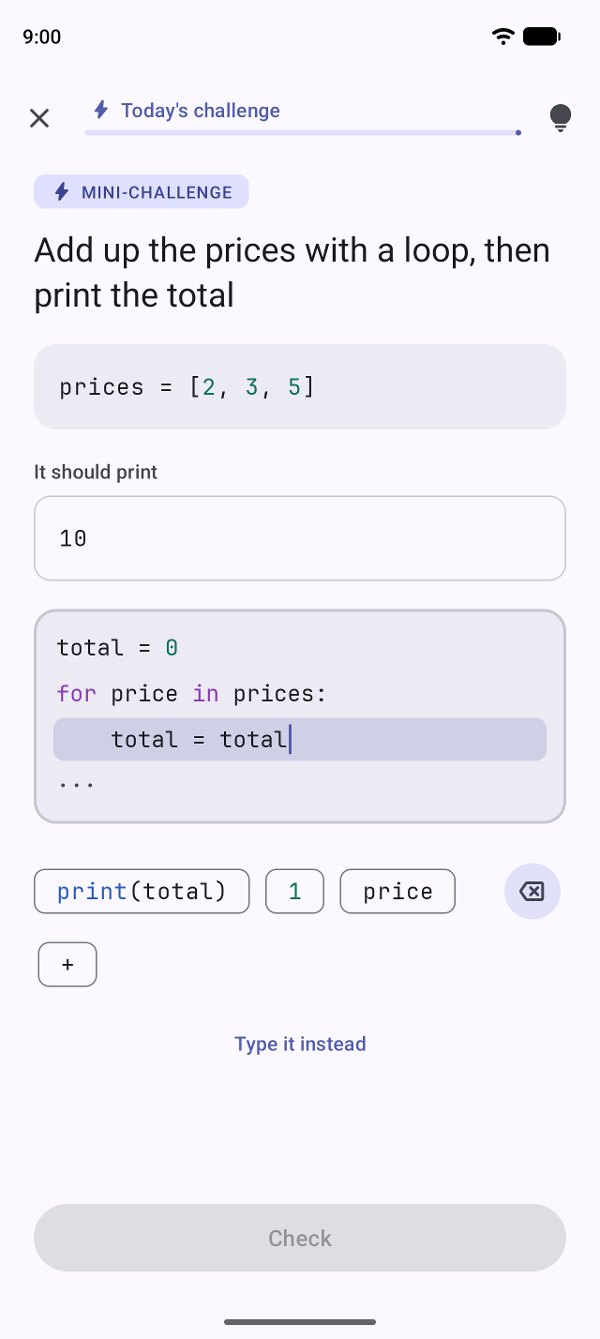
03Write it yourselfA mini-challenge, built line by line from tiles, without fighting a small keyboard. Or type it, if you prefer.
21
21 ways to look at code
Not just multiple choice. Each kind of question shows something about Python that a page of text can't.
TypeError.order[-1] picks.menu["tea"] reads.return.code[0:3] takes.&, | and - keep of two sets.sorted() gives, by its key.orders[1][0] reads in data inside data.try, except and finally."w" or "a".The whole course, in four parts
Every unit ends in a boss level that grows a small café's till into a real program, and the last one is a final project: a till that reads its menu from a file, takes orders and saves the day's report.
Every example is run with real Python, and every error looks exactly as Python prints it.
Stories: be the customer
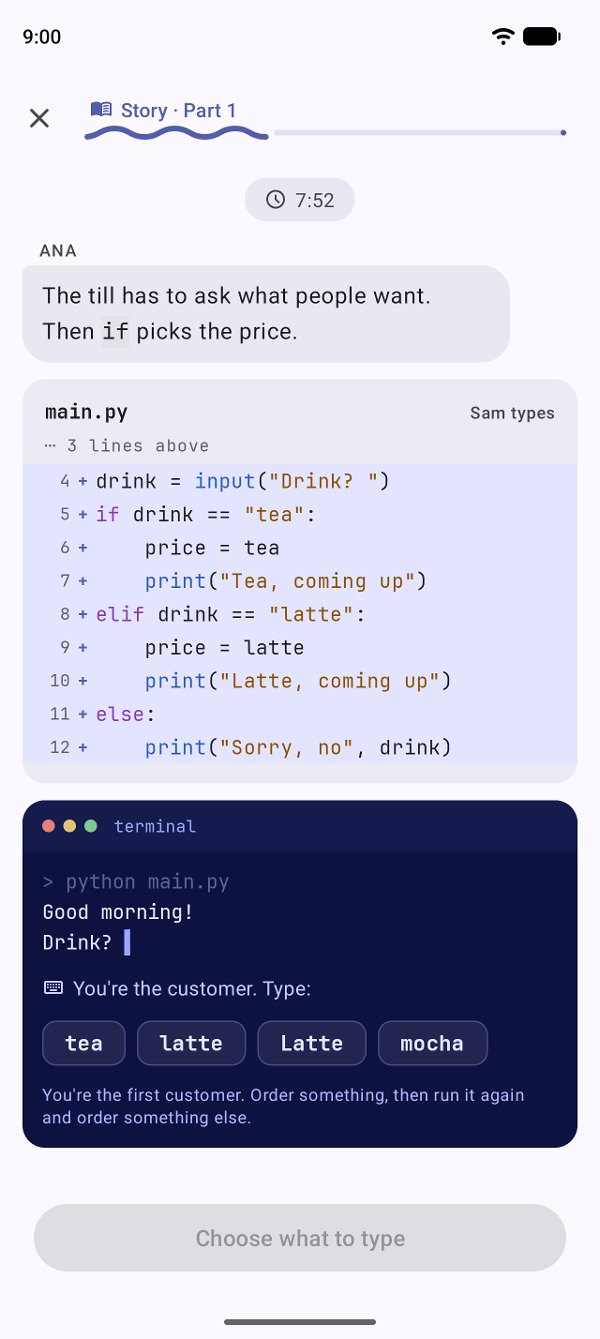
Ana runs a café, and Sam is learning Python too. Watch them write the till, run it, pick what the customer types, and help fix what breaks. One story at the end of each part, about 10 minutes.
Part 1The first morningA till from scratch, and a receipt that says 0.30000000000000004.Part 2The Saturday rushA queue of orders, and a loop that never stops.Part 3The till that crashedA customer types "two". Follow the error to its line.Part 4Closing the booksThe day saved to a file, and a "w" that almost wipes the month.
if picks the price.You're the first customer. Order something, then run it again and order something else.
Your mistakes, fixed for good
Practice mixes your own mistakes with the lessons you haven't seen in a while, then ends on a challenge. No scores that fade, no meters.
- Each lesson shows how it's going: 2 to fix, all fixed, or no mistakes
- Today's challenge, one unit, or only your mistakes
- The Library keeps every idea card, and compare cards for look-alikes: list or tuple,
=or==, for or while - Coming from Java? There's a compare card for that too
Errors, as Python prints them
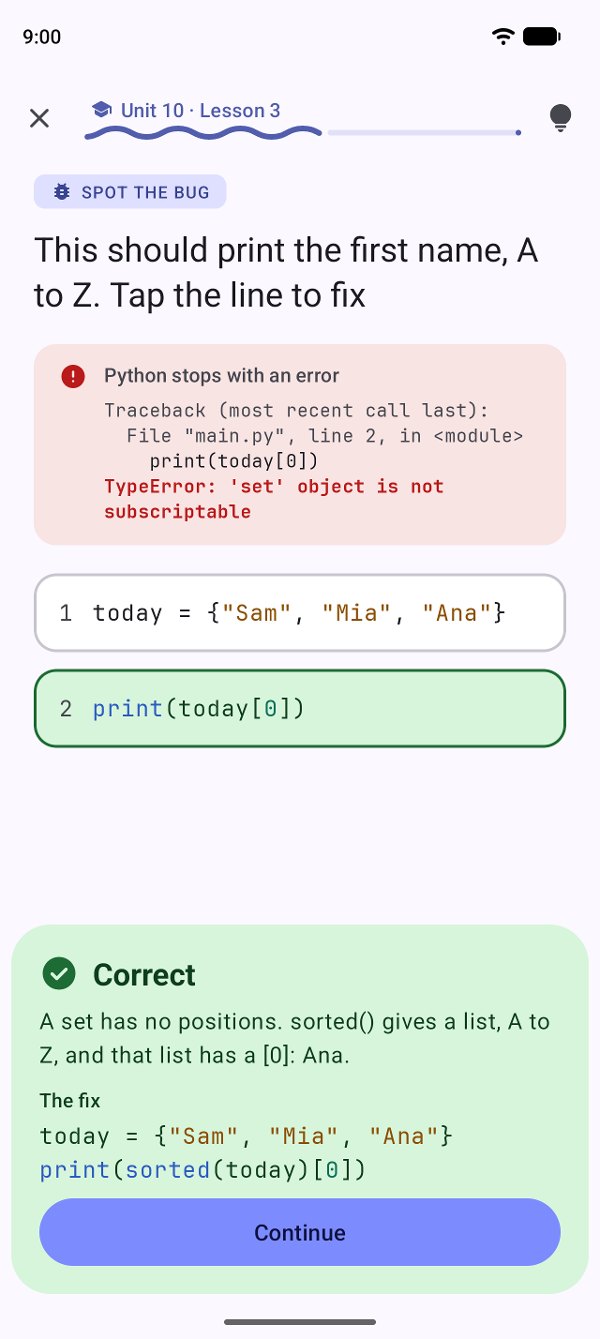
From Unit 4 on, you learn to read a traceback: the last line says what went wrong, the line number says where. By the end, an error is a clue, not a wall.
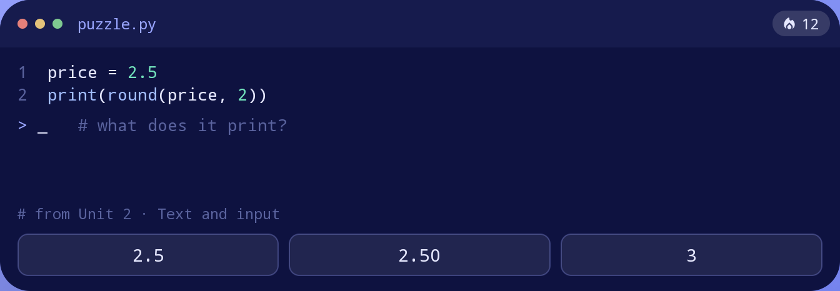
A puzzle on your home screen
Add the Python puzzle widget: one small question a day from the lessons you've done, answered with a tap, right there. Tap anywhere else to open your next lesson.
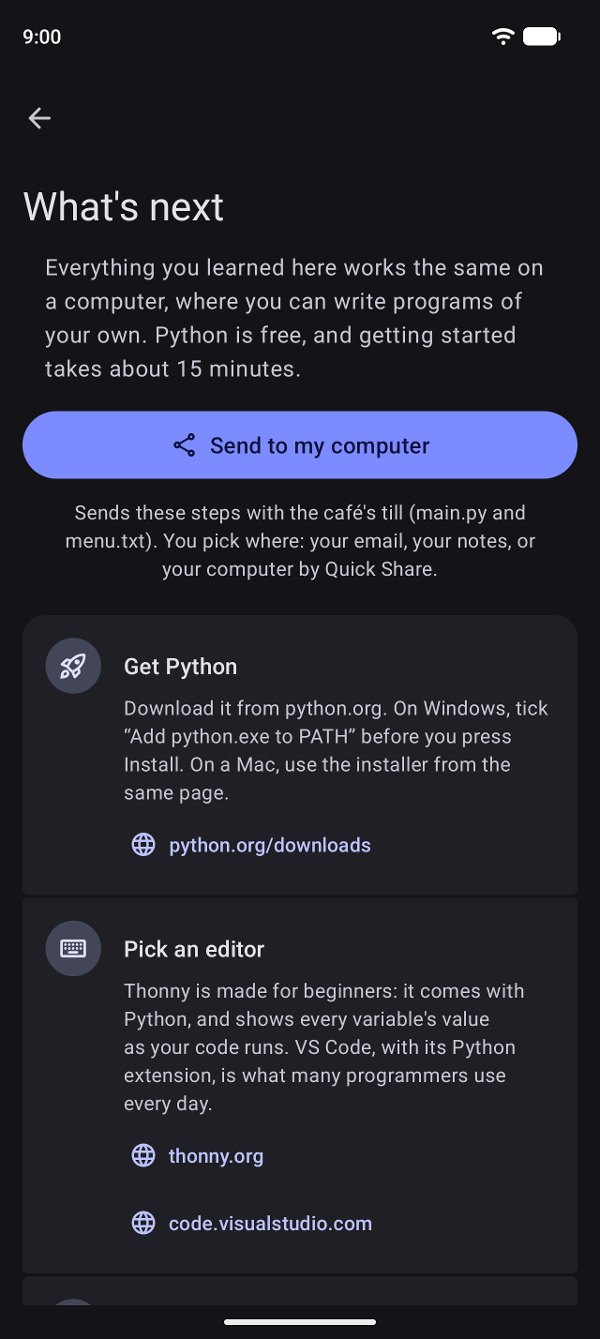
Then, a real computer
Real programs are written at a keyboard, and Pythio gets you there ready. "Send to my computer" sends the steps and the café till you built: install Python, run your till, then change it.
- Get Python, pick an editor, run your first file
- Ideas for your own first projects
- Where to go next: packages and the official tutorial
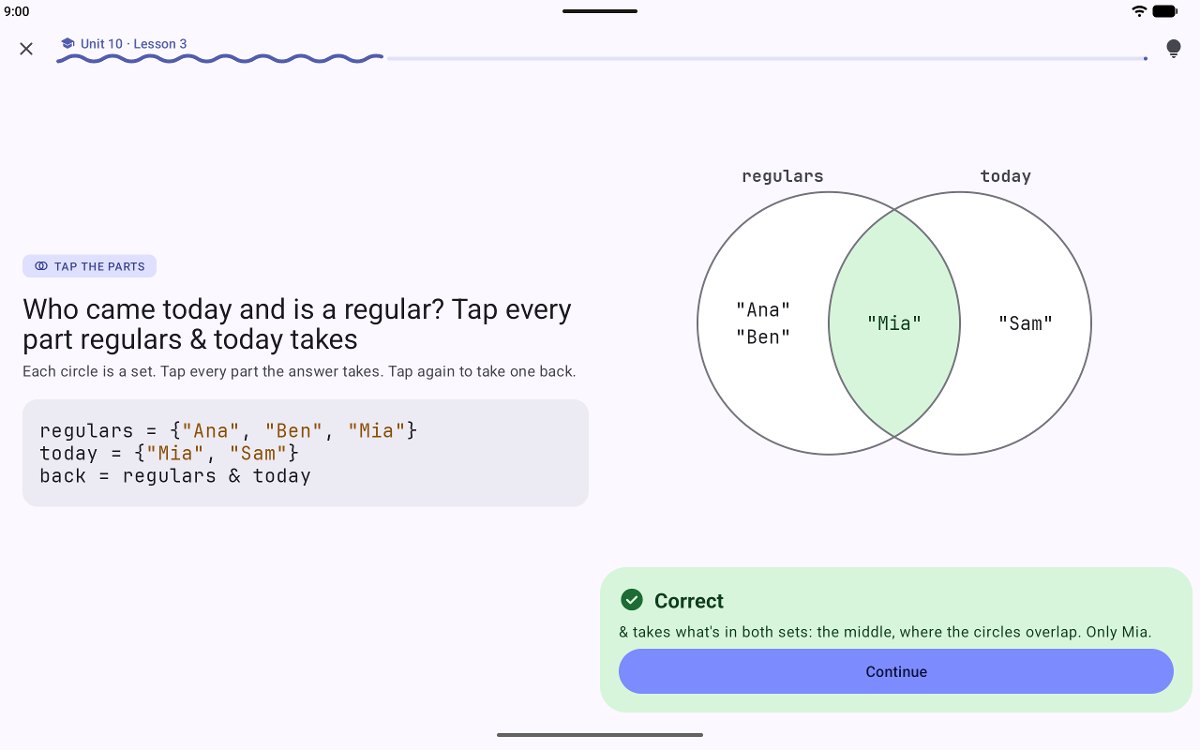
Made for a phone, at home on a tablet
On a bigger screen the code sits on the left and the answers on the right. Light and dark follow your device.
- Already know some Python? Skip ahead with a short placement test, or test out of a unit
- A streak if you want one, with freezes for a missed day
- One optional daily reminder, off until you turn it on
Nothing to sign up for. Nothing to track.
No account, no questionnaire, no age or goals. Pythio opens on your first lesson and asks you nothing.
See Pythio in action
Simple, and serious about Python. In light and dark.
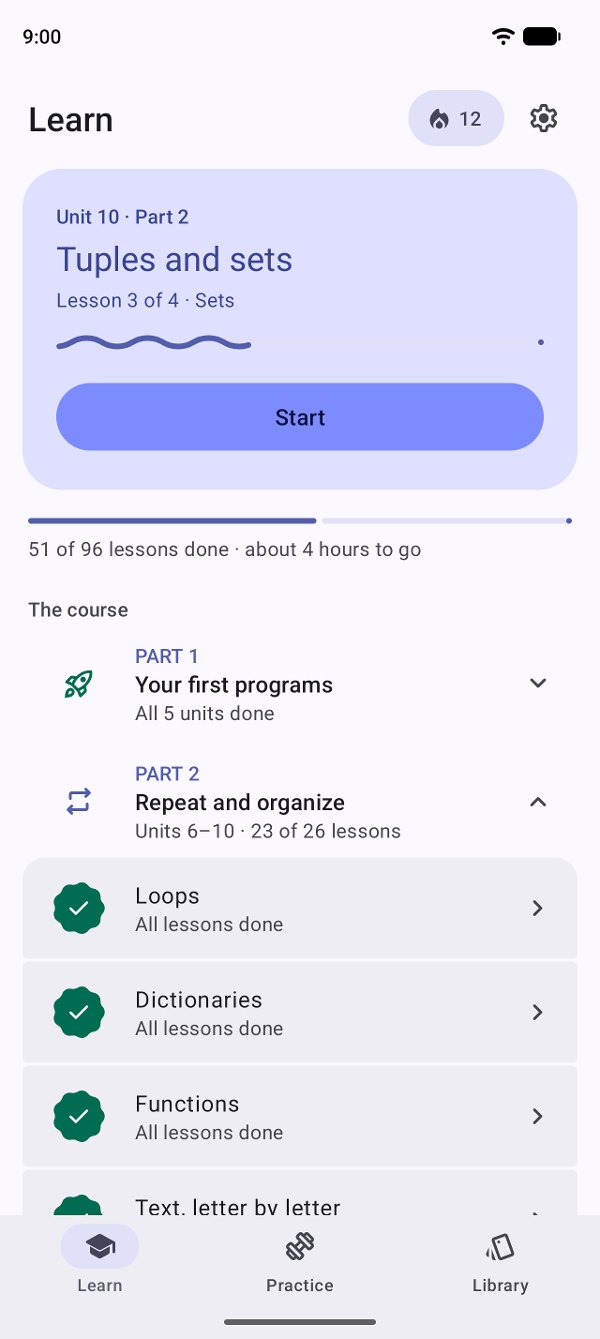
Your next lesson
One button, always the next step.
Tap the parts
See what & keeps.
Mistakes explained
Every wrong answer, its own reason.
Build it
Line by line, from tiles.
Stories
You type what the customer orders.
Spot the bug
Real errors, real fixes.
What's next
Ready for a real computer.
Simple, and honest about it
Free to startPart 1, the first 5 units and its story, is free, with no time limit. One purchase opens Parts 2 to 4 for good: no subscription, nothing else to buy, and Google Play brings it back on a new phone.
Calm by designNo hearts to lose, no timers, no guilt trips. One reminder a day, only if you turn it on.
For complete beginnersNo programming experience needed. The first lesson starts with what a program is.
Understand here, write thereA phone is great for understanding code. Writing real programs happens at a computer, and Pythio shows you how to get started there.
Python 3, as it is todayEvery example is checked with real Python, and errors look the way Python prints them.
Your progress lives on this deviceThere's no account to sync it. Android's own backup may bring it to a new phone; uninstalling the app removes it.
Open it and start
No sign-up, no questions. Your first lesson is one tap away. Questions or ideas? Send us a message.