 Docuio
All common document files
DOCX (Word 2007 and later), DOC (Word 97–2003), ODT (LibreOffice, OpenOffice), RTF, HTML pages and saved emails, Markdown and plain text. Password-protected DOCX and ODT files open too.
100% free · No in-app purchases
Docuio: DOCX & Document Viewer
Open Word, OpenDocument, RTF, HTML and Markdown files in a second, read them comfortably on your phone or tablet, and get back to your day.
Free to use, with every feature included. No subscription, no sign-in, no "upgrade to view" screens.
Made for reading documents on a phone
Got a document as an email attachment, a WhatsApp or Telegram message, or a download? Tap it, choose Docuio, and it opens.
DOCX (Word 2007 and later), DOC (Word 97–2003), ODT (LibreOffice, OpenOffice), RTF, HTML pages and saved emails, Markdown and plain text. Password-protected DOCX and ODT files open too.
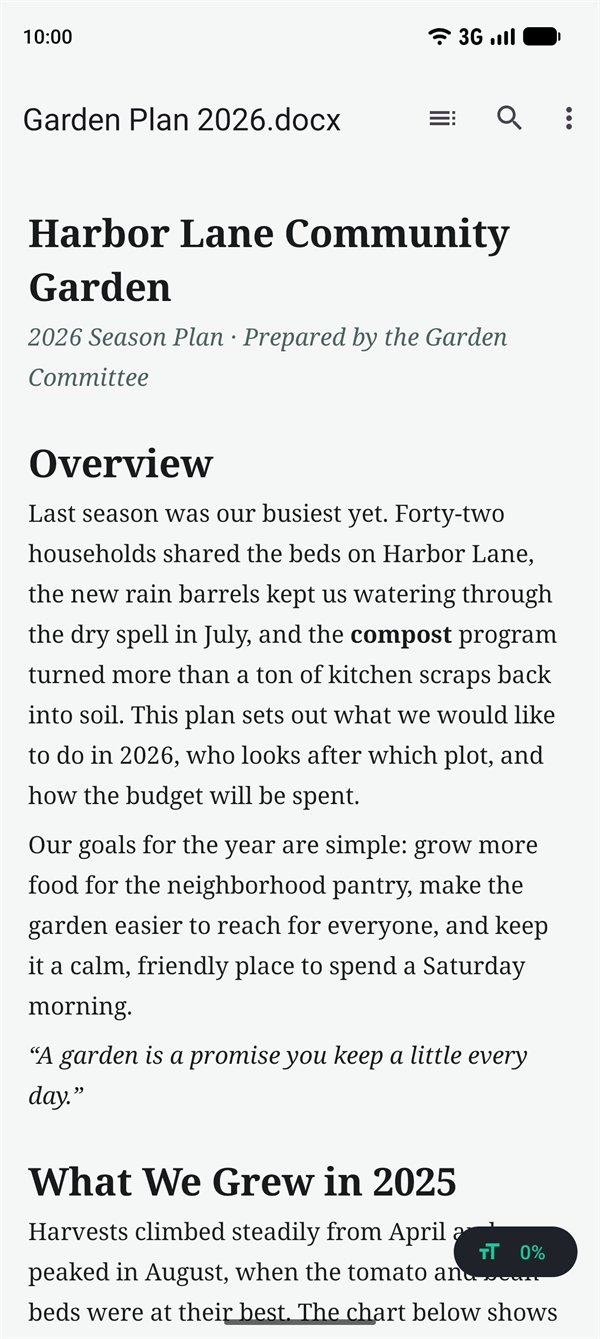
Text reflows to the width of your phone. No pinching, no sideways scrolling.
Jump to any heading in one tap.
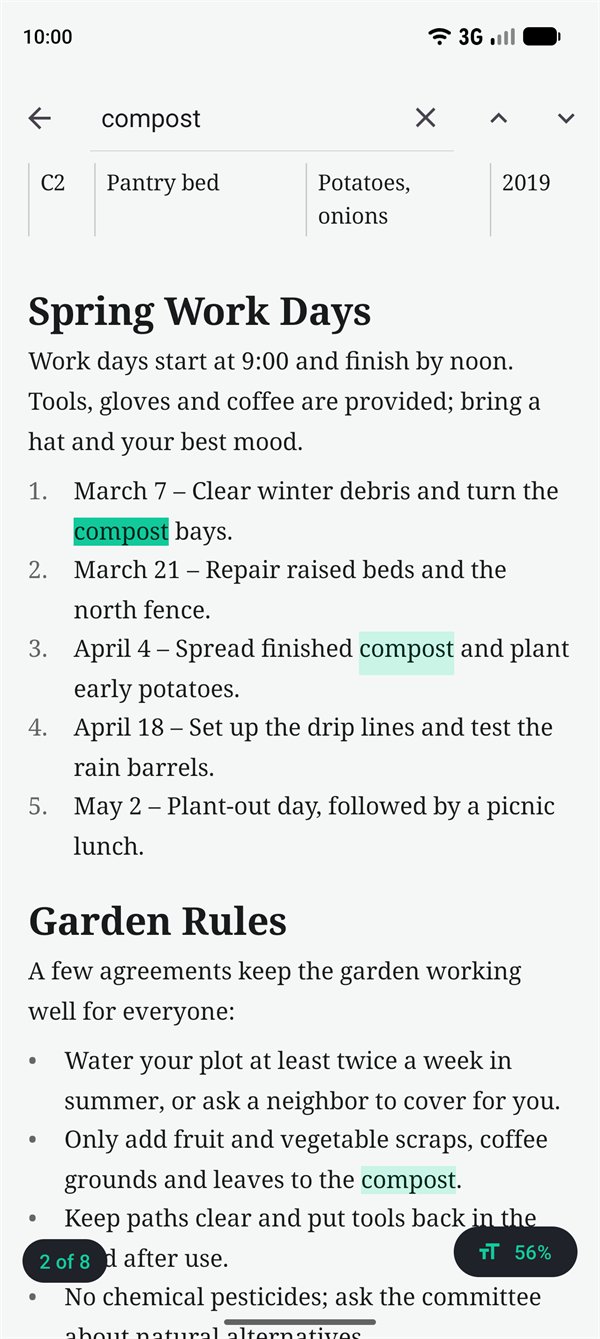
Every match highlighted, with a jump to the next one.
Data and config files neatly formatted and color-coded. Minified JSON and XML are pretty-printed.
Neatly paginated, with the file name and page numbers.
Select and copy text, or share the original file with any app.
As in the original
Docuio shows your document the way it was written, just sized for a phone.
Find anything, fast
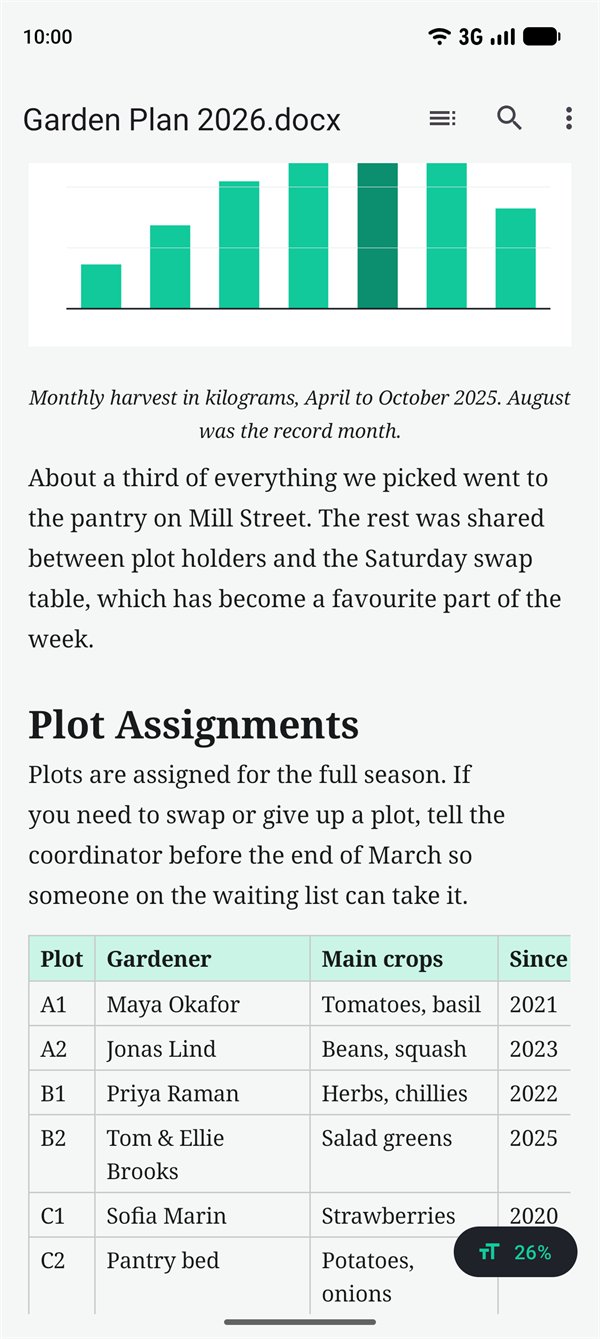
Type a word and Docuio highlights every match, then jumps from one to the next. Accents and capitals don't get in the way.
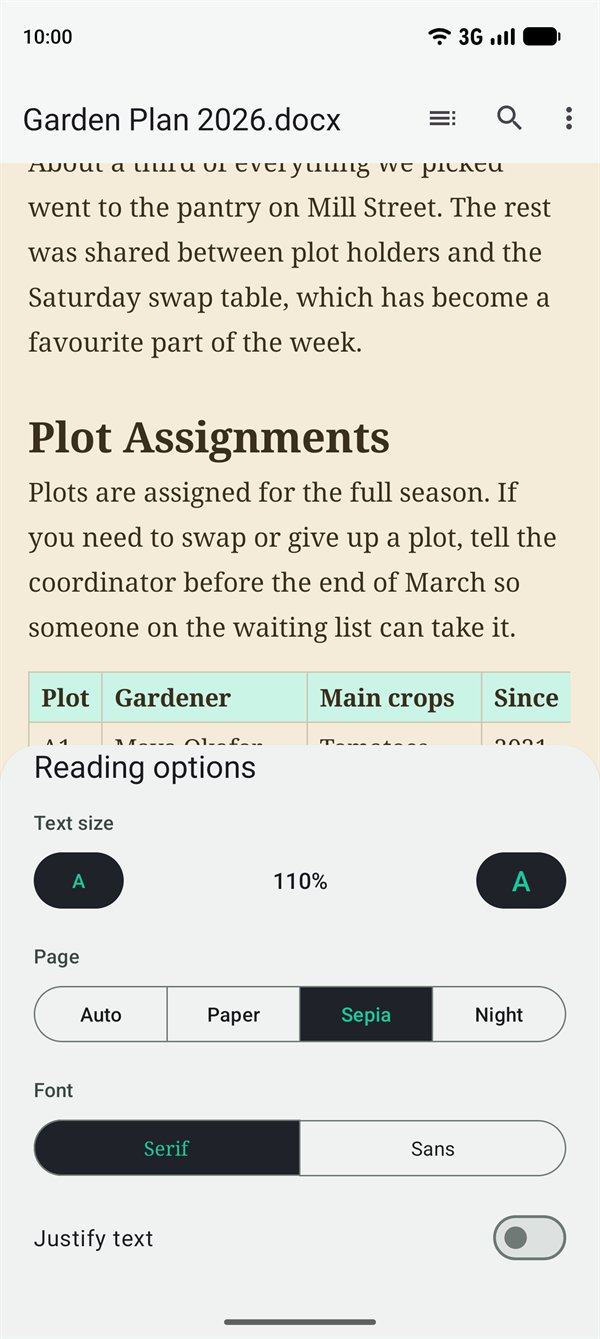
Read your way
Tap the Aa button to set up the page the way you like to read. Docuio remembers it for every document.
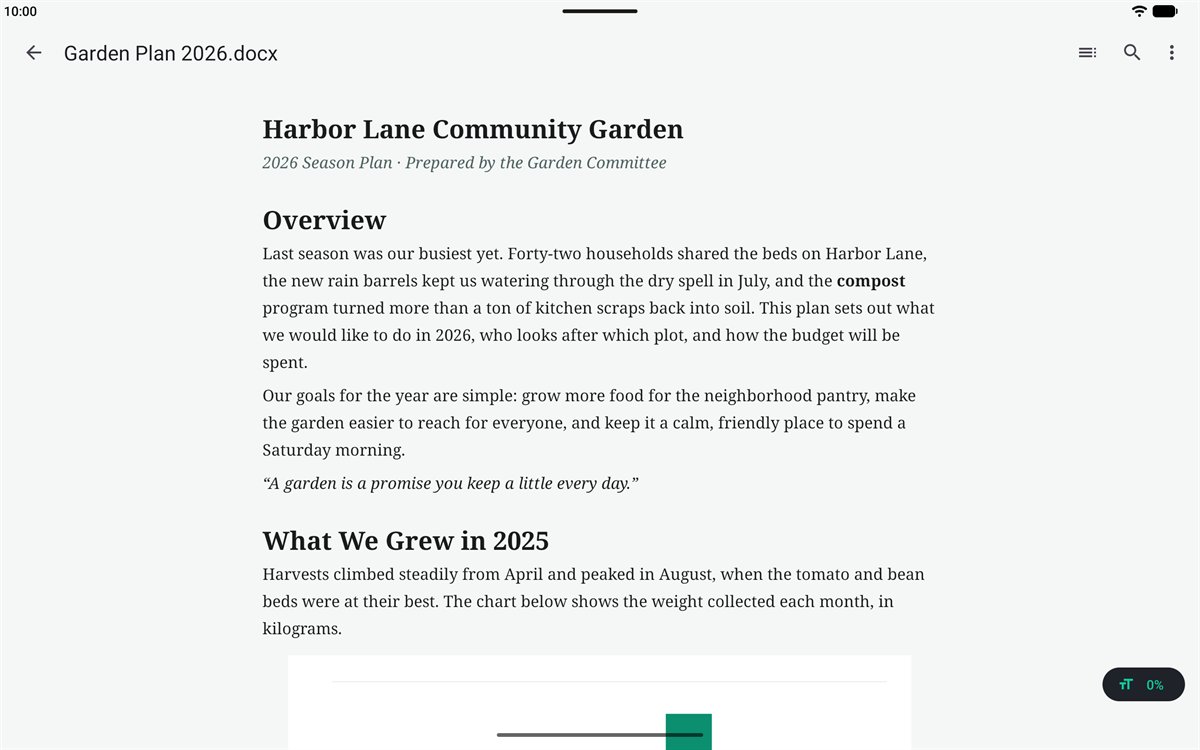
Phones and tablets
On a tablet or foldable, Docuio keeps lines at an easy reading width in the middle of the screen, with your recent files right next to the Open button on the home screen.
Private by design
Docuio doesn't even have the internet permission, so your files cannot leave your phone through it.
Take a look
Fast, small and private. About 2 MB.
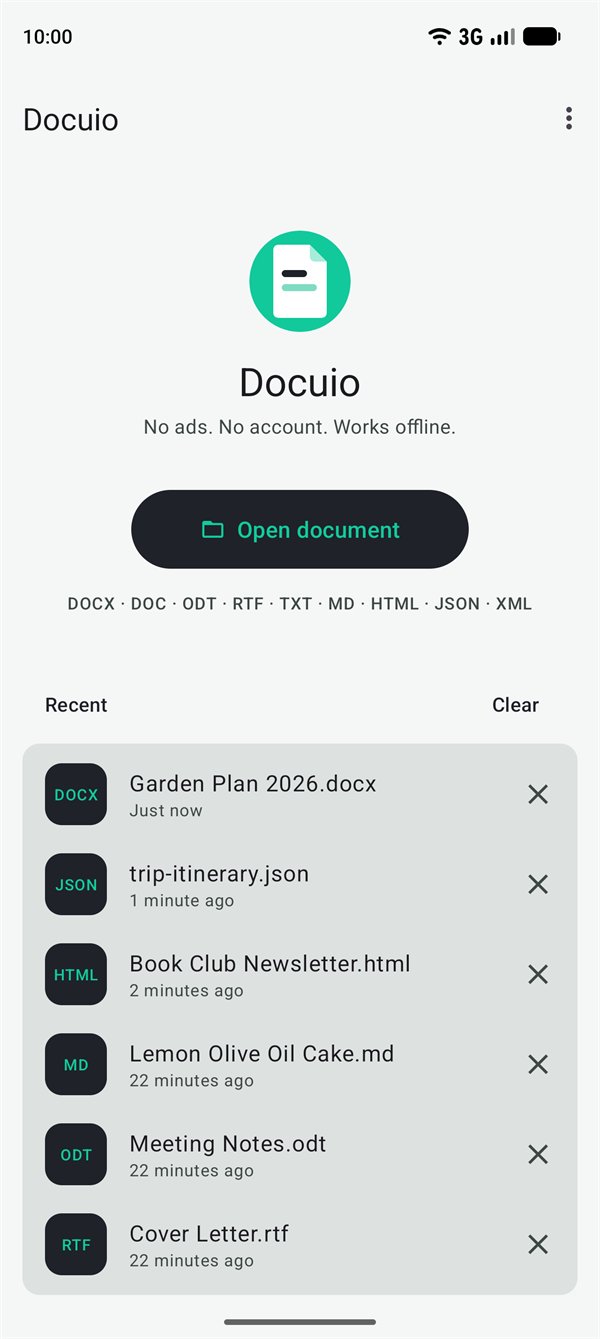
A big Open button and your recent files.
Text reflows to your phone's width.
Shown where they are in the file.
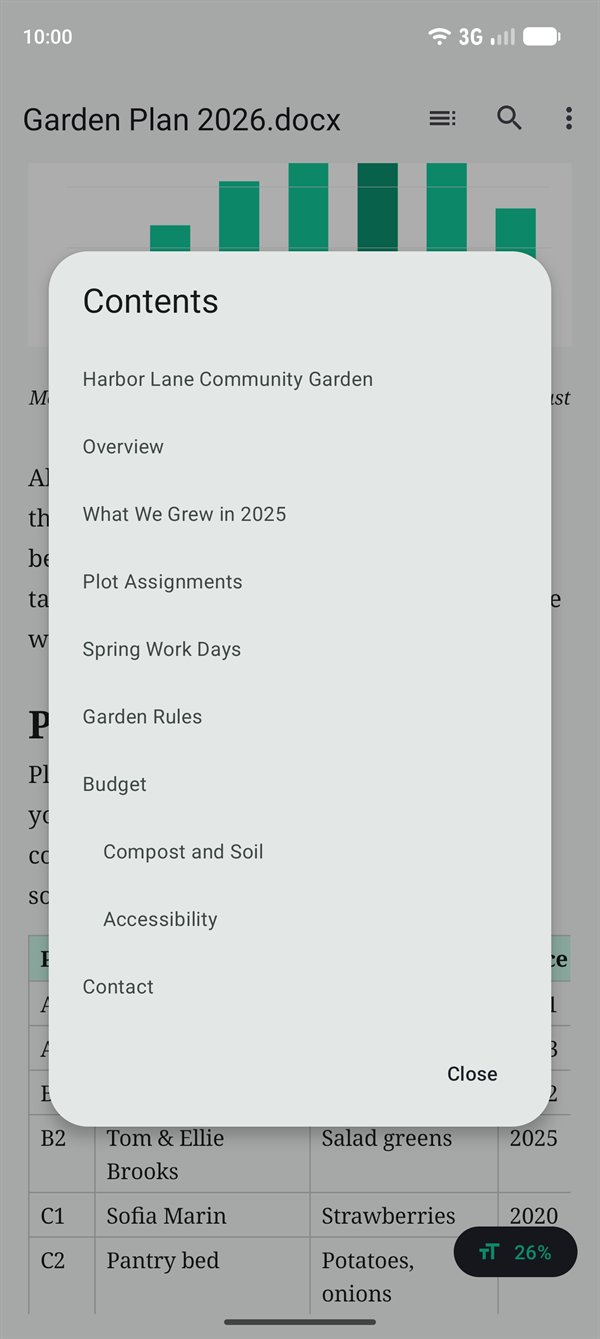
Jump to any heading in one tap.
Every match highlighted.
Text size, font and page color.
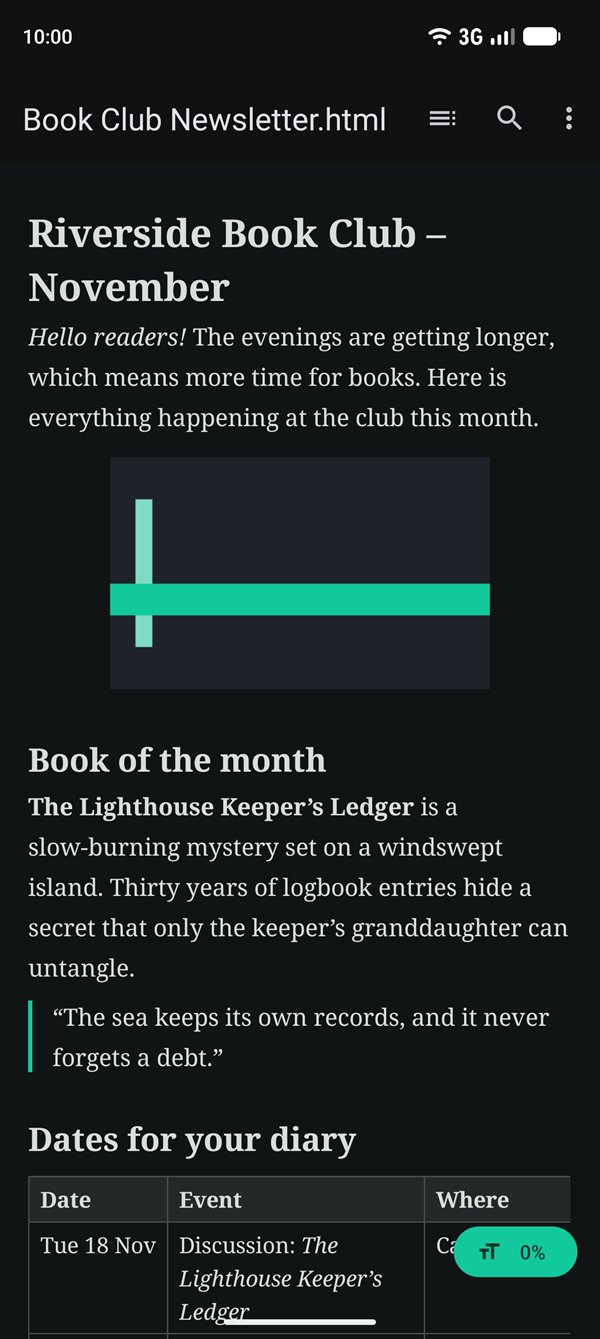
Comfortable reading in the dark.
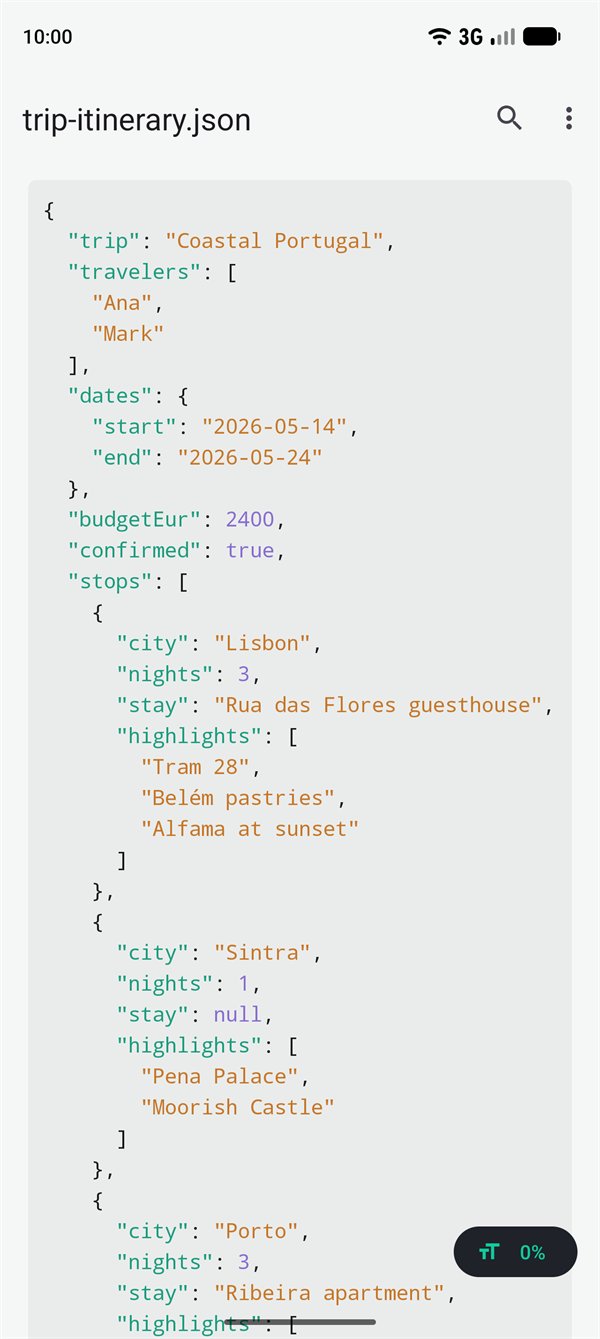
Pretty-printed and color-coded.
Good to know
Your files are never changedDocuio opens and displays documents but doesn't edit them.
Not for PDFsDocuio doesn't open PDF files. It can save any document it opens as a PDF, though.
Password-protected filesEnter the password and a DOCX or ODT file opens. The password is never saved. Protected DOC files (Word 97–2003) can't be opened yet.
What isn't shownPage headers, footers and comments, and Word charts (pictures are shown). HTML pages show pictures saved inside the file, not ones linked from the web.
Need help or want to get in touch? Send a message and we'll respond as soon as we can.